USB vs Network Digital Signage Choosing Updates for Outdoor and Indoor Screens
USB vs Network Digital Signage Choosing Updates for Outdoor and Indoor Screens
author
27th November 2026
Choose a digital signage update method around the people who will run it, the locations they can reach and the time allowed for changes. USB playback can suit a display with an available local operator. Network publishing deserves consideration when content must be sent from another location. For outdoor digital signage, include the actual access arrangements and proposed connection in that decision. A useful demonstration follows one approved file all the way to the screen.
Start with a real update task
Write down who prepares the artwork, who approves it and who confirms the result on site. Then describe a normal change, such as replacing a weekend offer or correcting an entrance notice. Include the deadline and the person available if the first attempt fails. That short description gives the supplier something concrete to demonstrate and gives the buyer a way to compare proposed systems.
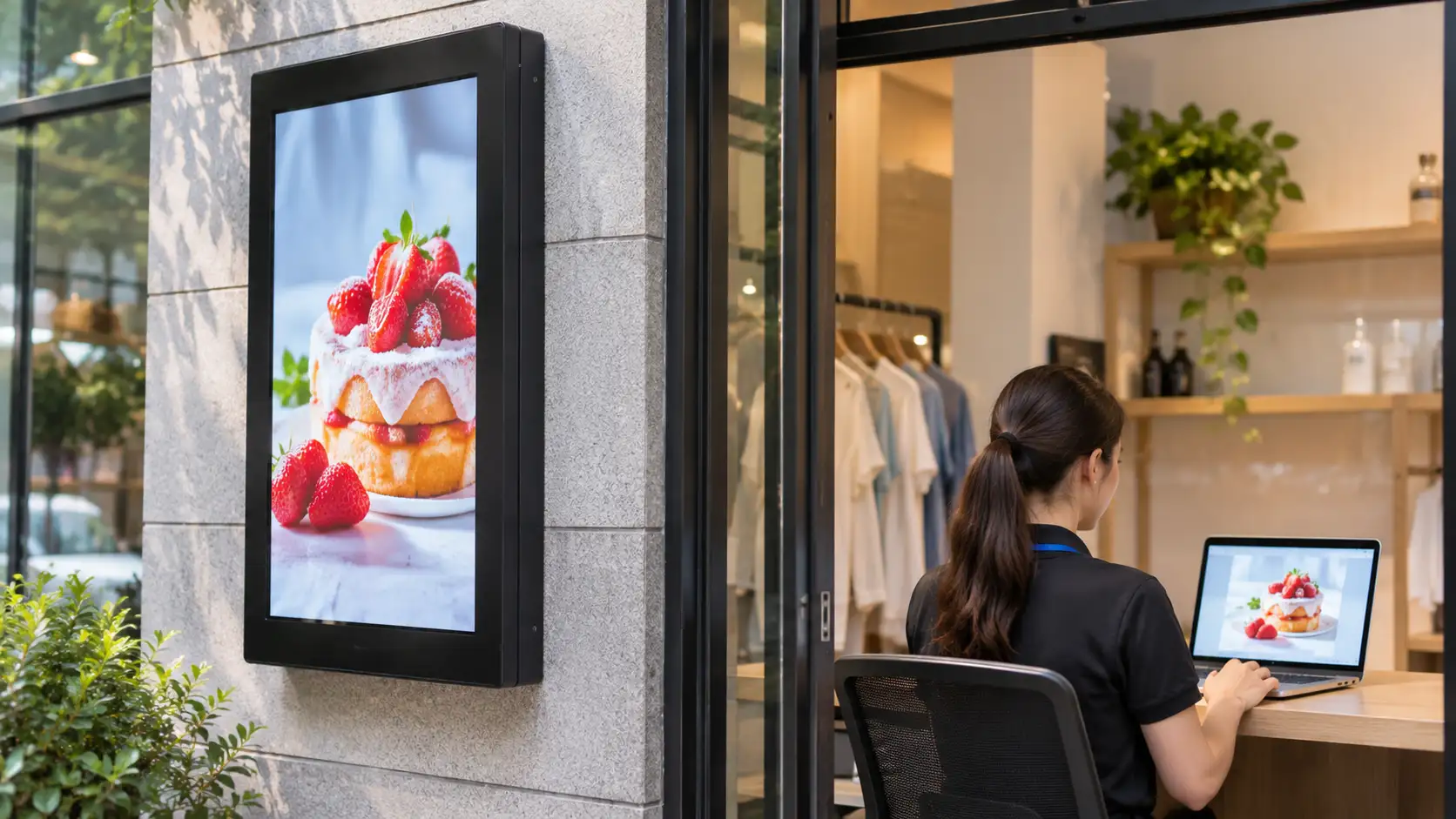
Keep the equipment choice tied to that task. Outdoor wall-mounted digital signage from RSXD offers USB, LAN and Wi-Fi updating, with optional 4G configurations. Identify the selected configuration in the order and describe how the operator will reach its controls. For equipment in a restricted area, include the site contact and agreed access procedure in the update plan.
Plan USB updates around the local operator
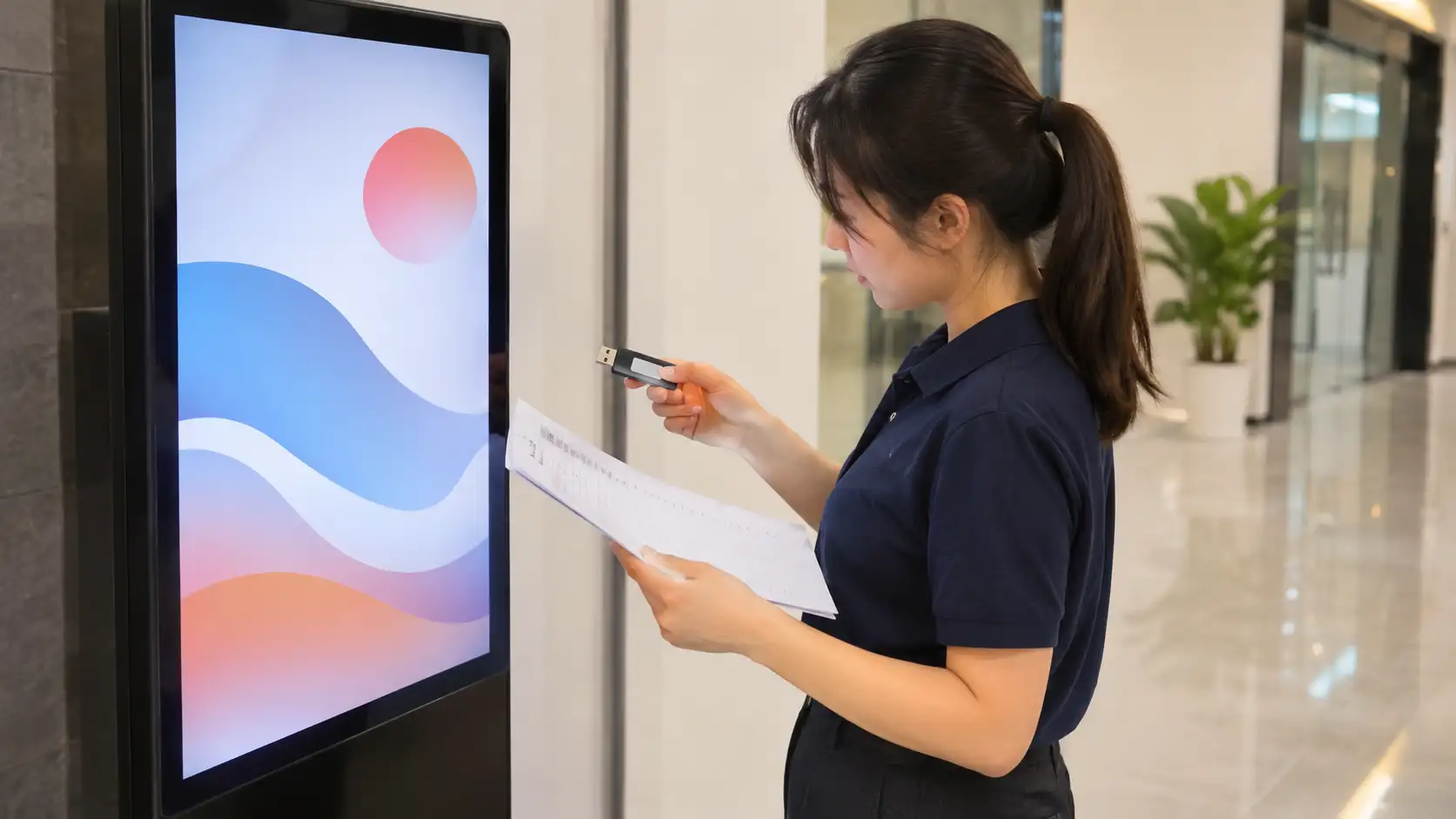
A local update needs a repeatable handover. Keep an approved copy of the campaign assets and ask the supplier to demonstrate the complete loading procedure on the proposed device. Record the expected file structure, accepted media settings and the sign that loading has finished. Follow the demonstrated instructions when preparing the production files. File names should identify the campaign, destination and approved version.
Give the operator a simple completion check. Watch the intended material on the actual screen, check orientation and readable text, then confirm that the previous offer has been replaced. Keep the approved replacement material available to the responsible staff member. A photograph of the displayed result can accompany the update record when the organisation uses that practice. Agree who receives the record and who deals with an unresolved problem.
Work through an example before choosing
As a planning example, consider a shop that replaces one promotion at opening time and a second location that receives an approved notice during the day. For each location, name the person who prepares the file, the person who carries out the update and the person who checks the screen. Write down how those people pass the approved version between them. Then ask for a trial using the proposed update method at each location. Include a correction to an already released notice so the demonstration covers more than the initial upload. Keep the outcome specific to the tested equipment, content and operating arrangements.
Define what a network update must accomplish
Describe the publishing sequence before choosing a platform. A useful trial includes uploading an approved asset, selecting the intended display, releasing it and checking the visible result. For several locations, prepare a list of screen names that staff can recognise. Include a deliberate check of the destination so a test campaign is sent to the agreed device. Record who can approve and release material.
RSXD floor-standing advertising displays offer USB and network playback options. Match the proposed playback system to the operator’s task and ask for a demonstration of the selected option. Request the account arrangements, support contact and any applicable software or connection charges with the quotation. Keep these details beside the configuration so the operating team can review the complete proposal.
Check the connection at the intended position
Ask the site team which connection can be provided at the final display position. For a proposed LAN connection, confirm the available outlet, approved cable route and network contact. For Wi-Fi, arrange a test with the intended device in its proposed position. For optional 4G equipment, confirm the selected hardware, service arrangement and local availability before placing the order. Keep each responsibility assigned to a named party.
Include the organisation’s IT team early if the screen joins a managed network. Provide the supplier’s connection requirements and agree who handles credentials and account access. Ask how an authorised operator will obtain support when a release fails. Keep passwords within the organisation’s approved handling process. An event venue, shopping centre and company office may each have a different contact and approval route.
Include outdoor access in the publishing plan
For an outdoor installation, record who can reach the equipment and when site access is available. Discuss the cabinet’s approved operating procedure with the supplier and site team. A local update or service visit may need coordination with the building operator. Include those arrangements in the handover so a content change has an identified owner even when the marketing team works elsewhere.
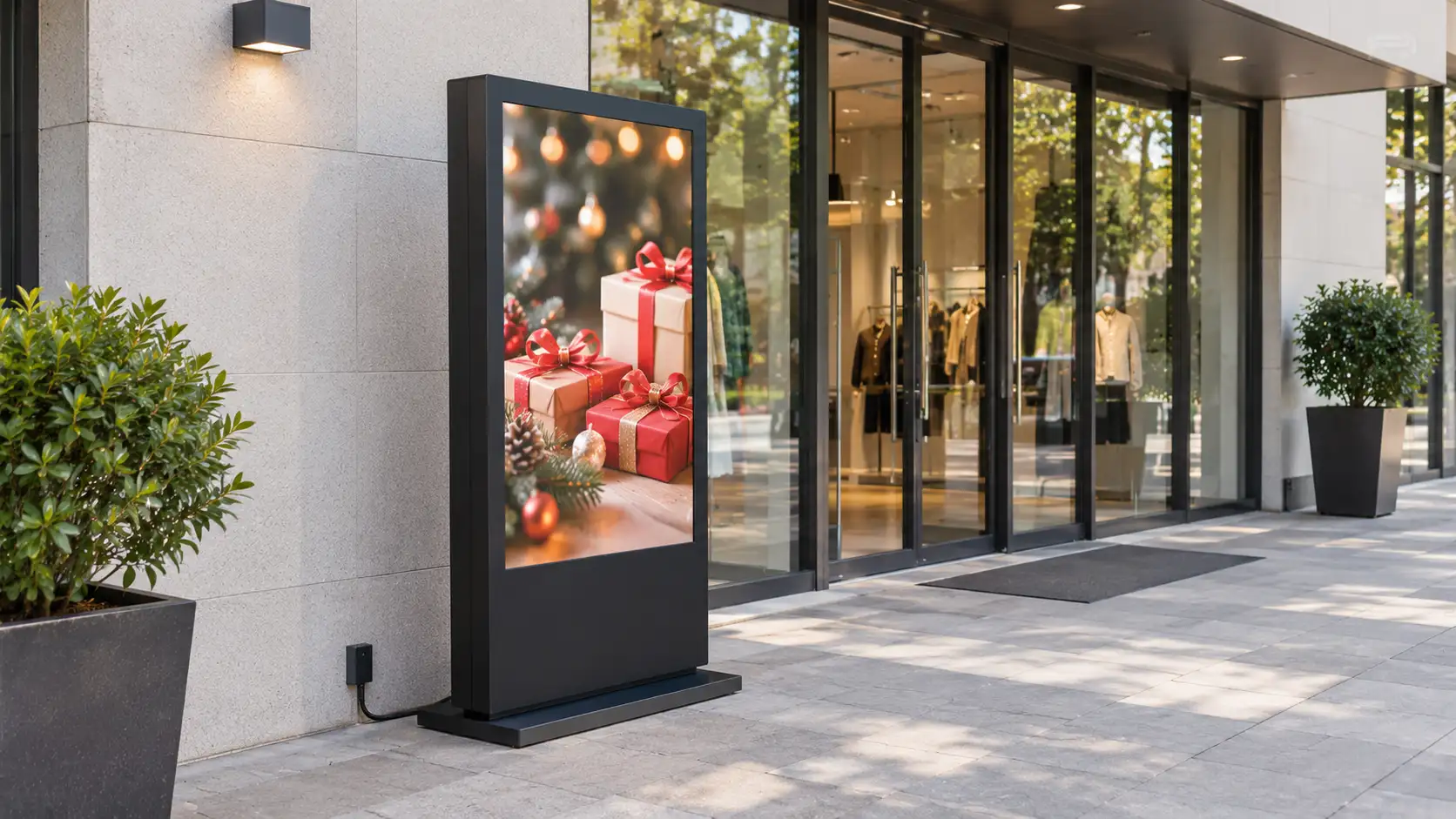
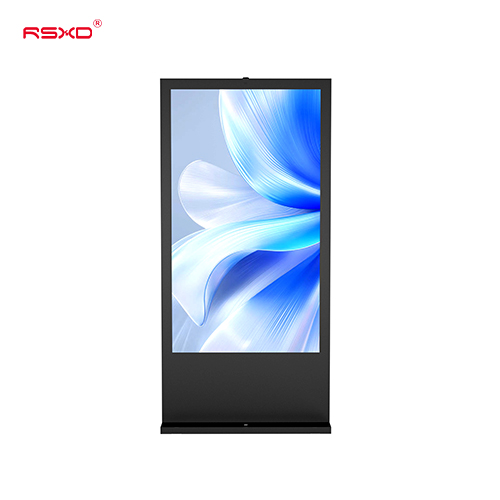
RSXD outdoor floor-standing displays support remote content publishing. Ask the supplier to demonstrate the proposed release arrangement using the project’s actual content and intended operator. Include the site’s connection and access conditions in that discussion. Keep the responsible local contact available during the trial so both the sender and the person observing the screen can confirm the same result.
Test interruptions before approving the system
Agree a trial that covers an interrupted connection, a restart and the next scheduled content change. Ask the supplier to show what remains visible, what happens to an incomplete release and what the operator should do after recovery. Record the observed behaviour against the chosen configuration. Use the test to define the support procedure and decide whether an approved holding message is needed.
Check power timing during the same trial. The RSXD floor-standing LCD advertising display supports timed startup and shutdown. Set the intended operating period and inspect the material shown after startup. Also test the end of a campaign and the approved replacement asset. Keep a short record of the action, expected result, observed result and person who accepted it.
Use a sample to settle the working procedure
RSXD supports sample delivery and prototype testing. Bring a representative content set to the sample discussion, including a video, a still image and the notice used when a promotion finishes. Have the intended operator carry out an update using the proposed method. Keep any questions about file preparation, publishing access and on-site confirmation with the sample review.
Prepare a handover record with the device identifier, selected configuration, update owner, support contact and demonstrated steps. Include the approved content folder and the place where completed checks are stored. Ask another authorised staff member to follow the instructions during the trial. Review any step that needs an extra explanation before accepting the operating procedure for wider use.
Agree what counts as a completed update
Define completion in terms the operating team can check. A trial record might require the approved campaign to appear on the named screen, in the correct orientation, during the intended period. Add the owner who checks the displayed result and the next action if it differs from the approved asset. Keep a separate place for unresolved items, with the person responsible and the next review date. During the rehearsal, ask the sender and local observer to complete the same record. Use their questions to refine the instructions before the system is handed over. Repeat the agreed check when a new content template or operating arrangement is introduced.
FAQ
Is USB playback suitable for a single display
It can be considered when an available local operator can complete updates within the required time. Test the actual loading procedure and visible result before confirming the configuration.
Does network publishing guarantee playback during an outage
Ask for an interruption and recovery demonstration on the selected system. Record the observed playback and update behaviour as part of the acceptance trial.
Which costs belong in the comparison
Request the equipment configuration, publishing software, connection service, account arrangements, setup and support scope. Ask which items are included in the proposed order.
Discuss the update task with RSXD
Bring the display locations, content schedule, local staff availability and intended connection to an RSXD digital signage configuration enquiry. Request a demonstration built around a normal content change and the site’s operating conditions.
We support multiple installation methods, including wall-mounted, floor-standing, vehicle-mounted, and embedded. Different installation methods correspond to different scenarios:
* Wall-mounted: Suitable for building elevators and shopping mall walls;
* Floor-standing: Suitable for store lobbies and showroom entrances;
* Vehicle-mounted: Suitable for public transportation scenarios such as buses and subways;
* Embedded: Can be integrated into self-service terminals, smart cabinets, and other devices.
Currently, we offer two mainstream touch methods:
* Capacitive touch: Supports multi-touch, highly sensitive operation, suitable for lightweight interactive scenarios (such as information kiosks);
* Infrared touch: Strong anti-interference, waterproof and scratch-resistant, more durable, suitable for high-frequency touch and complex environments (such as self-service terminals in public places).
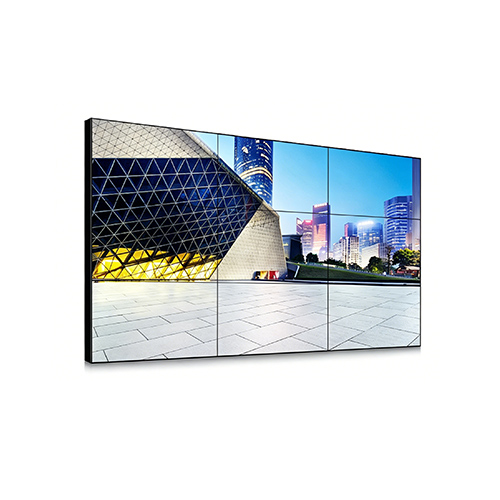
The physical gap of a standard video wall is 0.88mm-3.5mm (slightly different for different models); currently, we offer micro-gap video walls (gap ≤ 0.88mm), visually approaching a "seamless" effect, suitable for monitoring centers, large exhibition hall screens, and other scenarios requiring high display continuity.
The vehicle-mounted advertising machine adopts a shock-resistant and reinforced design, passing vehicle environment vibration tests; it also supports a wide operating temperature range of -20℃ to 60℃, adapting to extreme environments such as high temperatures inside vehicles in summer and low temperatures in winter, and can operate stably in complex road conditions such as buses and trucks.
It supports a variety of external devices, including printers, barcode scanners, ID card readers, cameras, etc.; the equipment has reserved interfaces such as USB and RS232, which can be connected to external devices according to actual needs, suitable for interactive scenarios such as self-service checkout and government affairs inquiries.
Split-screen display is supported. The number of split screens varies depending on the model: the basic model supports 2-4 split screens (such as main video + image + text), while the high-end model supports more than 16 split screens. Customizable split-screen ratios are also supported to meet the needs of displaying multiple contents simultaneously.
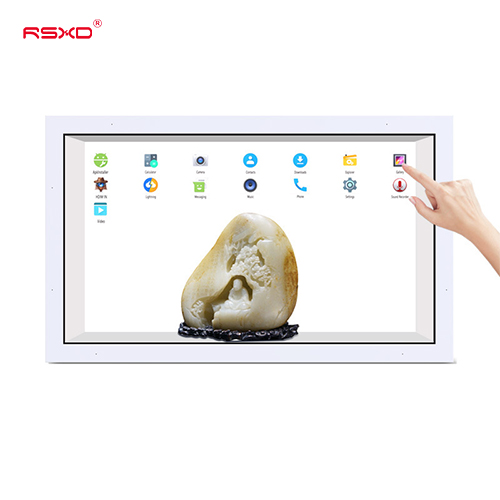
The transparent LCD display combines physical product exhibition with digital content, allowing customers to view the real item inside the cabinet while reading product information, brand stories, technical details, or promotional videos on the transparent screen.
This transparent display creates a layered visual effect. Products remain visible behind the screen, while images, text, videos, and animation can be shown on the front surface. This makes the display more attractive for high-value products, exhibition items, luxury retail, cultural collections, and brand presentation.
Outdoor vertical digital signage display is a floor-standing LCD advertising solution designed for outdoor public spaces, combining high brightness, IP65 protection, intelligent temperature control, remote content publishing, and durable anti-corrosion housing for 24/7 outdoor advertising.
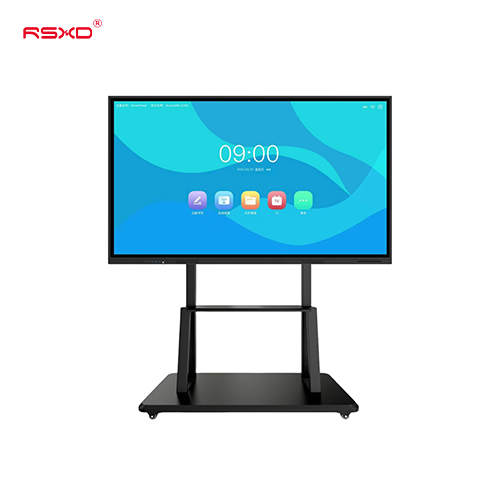
Interactive flat panel display is a smart touch screen solution for classrooms, meeting rooms, training centers, and collaborative workspaces, combining digital whiteboard, wireless screen sharing, annotation, video conferencing, and multi-touch interaction in one device.
Tell us your application, screen size, installation type and touch requirements. RSXD will recommend suitable digital signage, touch displays or video walls with factory pricing and OEM support.