How to Plan Retail Content for Wall-Mounted and Floor-Standing Digital Signage
How to Plan Retail Content for Wall-Mounted and Floor-Standing Digital Signage
author
18th November 2026
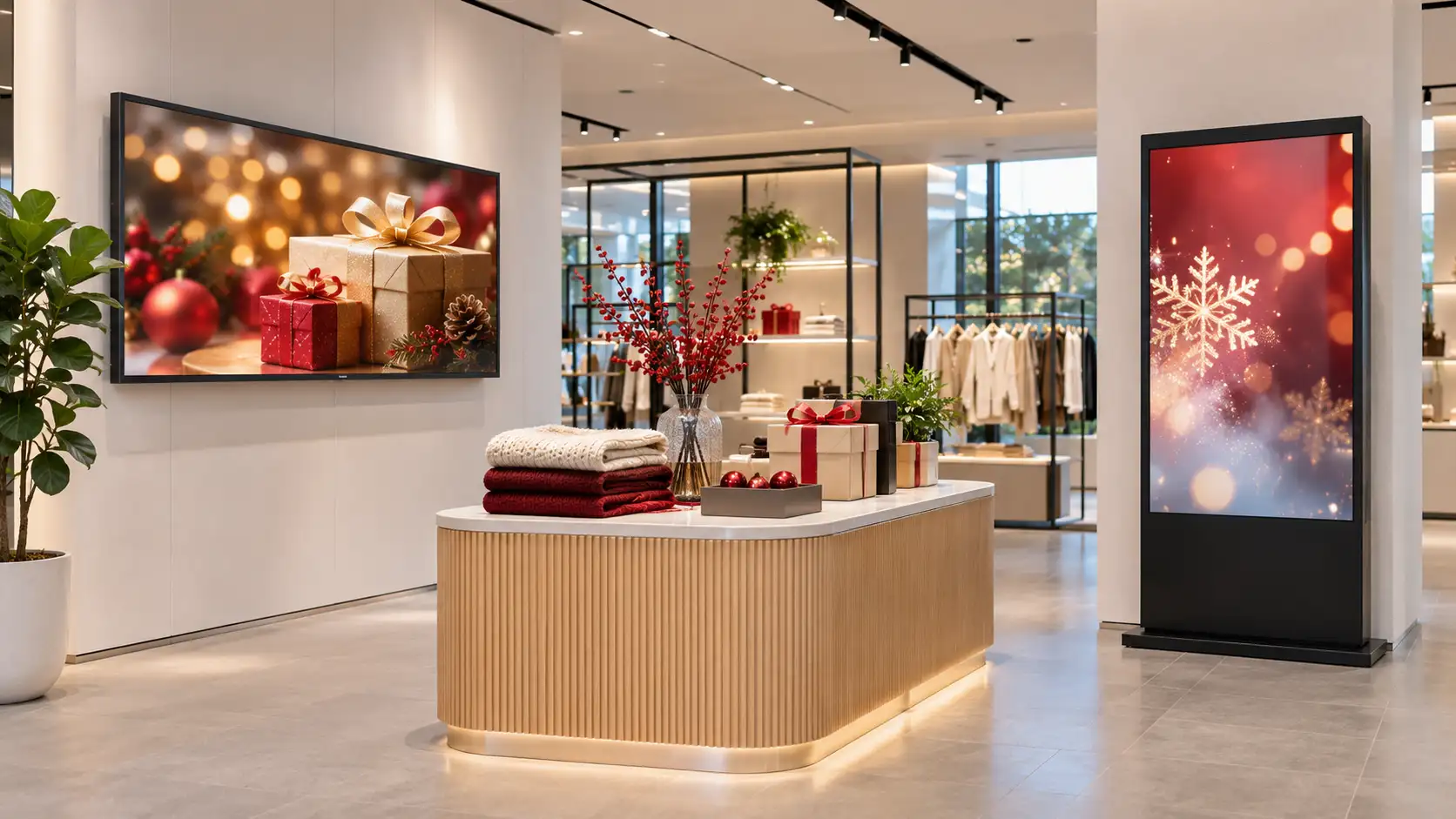
Retail digital signage content should match what a shopper needs at each point in the store. An entrance screen can introduce a collection, a wall display can explain an offer and a floor-standing screen can present detail near the relevant products. Start with those jobs before building a playlist. A coordinated content plan gives each display a purpose while keeping the campaign message consistent across the store.
Give every screen a place in the shopping journey
Map the customer route from arrival to product discovery and purchase. At each screen position, ask what someone is trying to understand or decide. An entrance may need a short introduction to a seasonal offer, while a product area may need information about the items beside it. Write one main task for each location so the content team has a concrete brief to work from.
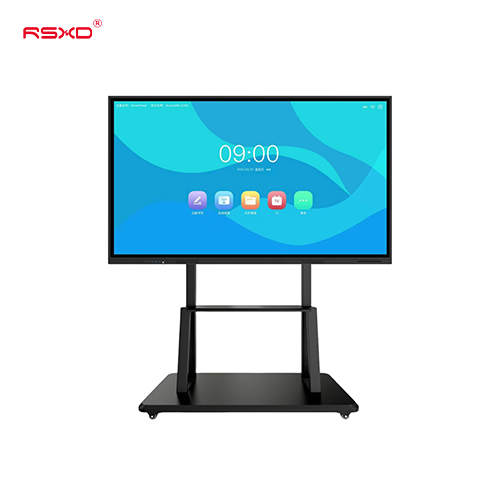
For wall-mounted advertising screens, consider the viewing position as well as the available wall. RSXD wall-mounted displays support horizontal and vertical presentation, with remote publishing of videos, images, text and schedules. Use the chosen orientation and actual placement to decide what belongs on that screen. Keep the content brief linked to the location instead of sending one generic artwork file to every device.
Coordinate wall and floor displays
Use the wall for a clear shared message
A wall display can carry a campaign headline, a category message or a short product explanation for the area it serves. Keep the link between the screen and nearby merchandise easy to understand. If the main purpose is promotion, lead with the offer and the product rather than a long introduction. Check the message from the normal approach direction, where shoppers will first encounter it.
Use the floor display for the next useful detail
A floor-standing digital signage display can carry a related product story or campaign detail at its own point in the store. For example, a wall screen might introduce a new collection while a nearby floor display explains the options shown beside it. Keep the campaign name and offer terms aligned, but give the second screen a useful job beyond repeating the first.
Adapt the design to the screen orientation
Build separate horizontal and vertical layouts
Keep a shared campaign folder containing approved wording, product images, logos and offer dates. Use those materials to build layouts for the selected screen shapes. Reposition the image, headline and action message when moving between horizontal and vertical designs. Preview the result on the intended device, because a crop that looks acceptable on a laptop can remove important product detail or make the offer difficult to follow.
Keep information readable in its real position
Choose a clear hierarchy, with the main message first, supporting detail next and a practical next step where needed. Check text against the image behind it and leave room around important information. Stand where customers will actually view the screen, including the point where they first approach. Adjust the layout if the headline, price or date requires someone to move uncomfortably close to read it.
Choose the content before dividing the screen
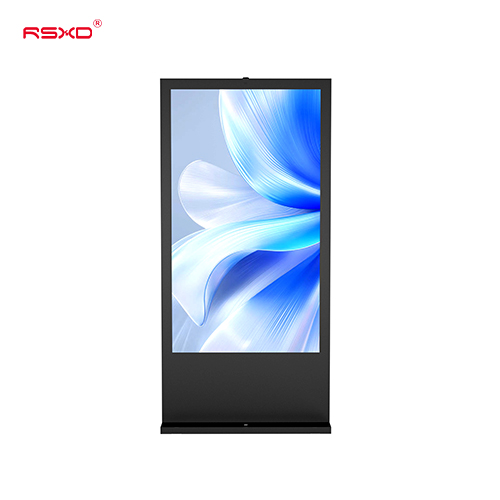
RSXD floor-standing displays support split-screen presentation of video, images, time, weather, date and scrolling text. Select the areas that serve the current message rather than using every available field. A focused offer may need one full-screen composition, while a service area may benefit from a separate notice zone. Preview the complete composition so moving elements do not compete with the information shoppers need most.
Prepare videos that remain understandable when sound is unavailable. Show the product and the relevant action clearly, and provide any essential explanation visually. Keep the subject of each asset specific enough that staff can identify where it belongs. A folder called campaign video is less useful than a file record that also states the intended screen position, orientation and approved version.
Turn the campaign into a publishing schedule
Assign approval and expiry responsibilities
Give each asset an owner, an approval status, a destination and a start and end date. Include the store or group of stores where it applies. Check prices, stock-related wording and offer conditions against the current approved campaign before publishing. Decide who removes or replaces material when the campaign ends. This keeps expiry work in the same plan as launch work instead of making it a separate last-minute task.
Match the update method to the routine
RSXD floor-standing advertising displays offer USB and network playback options, while the wall-mounted model supports remote publishing. Confirm the selected system and working process before preparing the rollout. Ask the operator to demonstrate loading a new file, selecting its destination and replacing it after expiry. If stores use different updating arrangements, provide instructions that match each arrangement rather than assuming every location follows the same steps.
Keep content control separate from power timing
The floor-standing display supports timed startup and shutdown. Coordinate that setting with store hours and the campaign routine, then check what actually appears when the device starts. Power timing and campaign selection are separate items in the plan. A display that turns on at the right moment still needs the right file, orientation and approved offer ready for that location.
Treat interaction as its own content task. Touch is optional on RSXD wall-mounted advertising displays, so establish the chosen configuration before designing buttons or browsing screens. If the campaign needs a form, catalog search or another interactive step, specify the application and its destination separately. For a playback-only screen, use a clear instruction that customers can follow without touching the display.
Check the campaign in the store
Walk the customer route and review each screen in order. Check the opening message, product image, orientation, offer details and next step. Look for a useful progression between the wall and floor displays, and confirm that nearby printed material says the same thing. Repeat the review after an update or a change in merchandise, since the relationship between content and position may have changed.
Record practical findings such as expired files, unreadable details, wrong destinations and staff questions. Use that record to improve the template and handover instructions. RSXD supports sample delivery and prototype testing; a representative content set can be included in the sample discussion. Keep any assessment of sales impact separate from the basic check that the intended message was displayed correctly.
Keep a campaign record that staff can follow
For a seasonal launch, the record could pair an entrance headline with a product explanation on a nearby display. Give both assets the same campaign reference and approval owner, while recording their different destinations and formats. Add the end date and the replacement message. Staff can then check whether the right materials are playing without needing to reconstruct the marketing team’s original design discussion.
Start with a manageable store rollout
Try the proposed content in one representative store before copying it to every location. Include a screen near the entrance and one in a product area, using the actual publishing routine. Have another shift carry out an update and remove an expired file. Keep the findings specific to the layout and process tested, then adapt the instructions for stores with different positions, orientations or local campaign needs.
FAQ
Should every screen show the same campaign file
Keep the campaign identity and offer consistent, but adapt the layout and supporting detail to the screen orientation, viewing position and job at that location.
When is split screen useful
Use it when separate information areas serve a clear purpose. Preview the complete layout and remove fields that distract from the main message.
Can digital signage content be copied from social media
Use it as starting material, then review the crop, text, sound dependence and viewing position. Keep the approved offer consistent and adapt the composition for the selected display rather than stretching the original file.
What should be checked after a campaign update
Check the correct file, destination, orientation, dates and offer terms on the actual display. Confirm that expired material has been removed.
Match the display configuration to the content plan
Prepare the screen positions, orientation, sample artwork, update routine and any touch requirements, then discuss a retail signage configuration with RSXD. Those details give the equipment discussion a clear starting point and help keep the content plan connected to the proposed installation.
We support multiple installation methods, including wall-mounted, floor-standing, vehicle-mounted, and embedded. Different installation methods correspond to different scenarios:
* Wall-mounted: Suitable for building elevators and shopping mall walls;
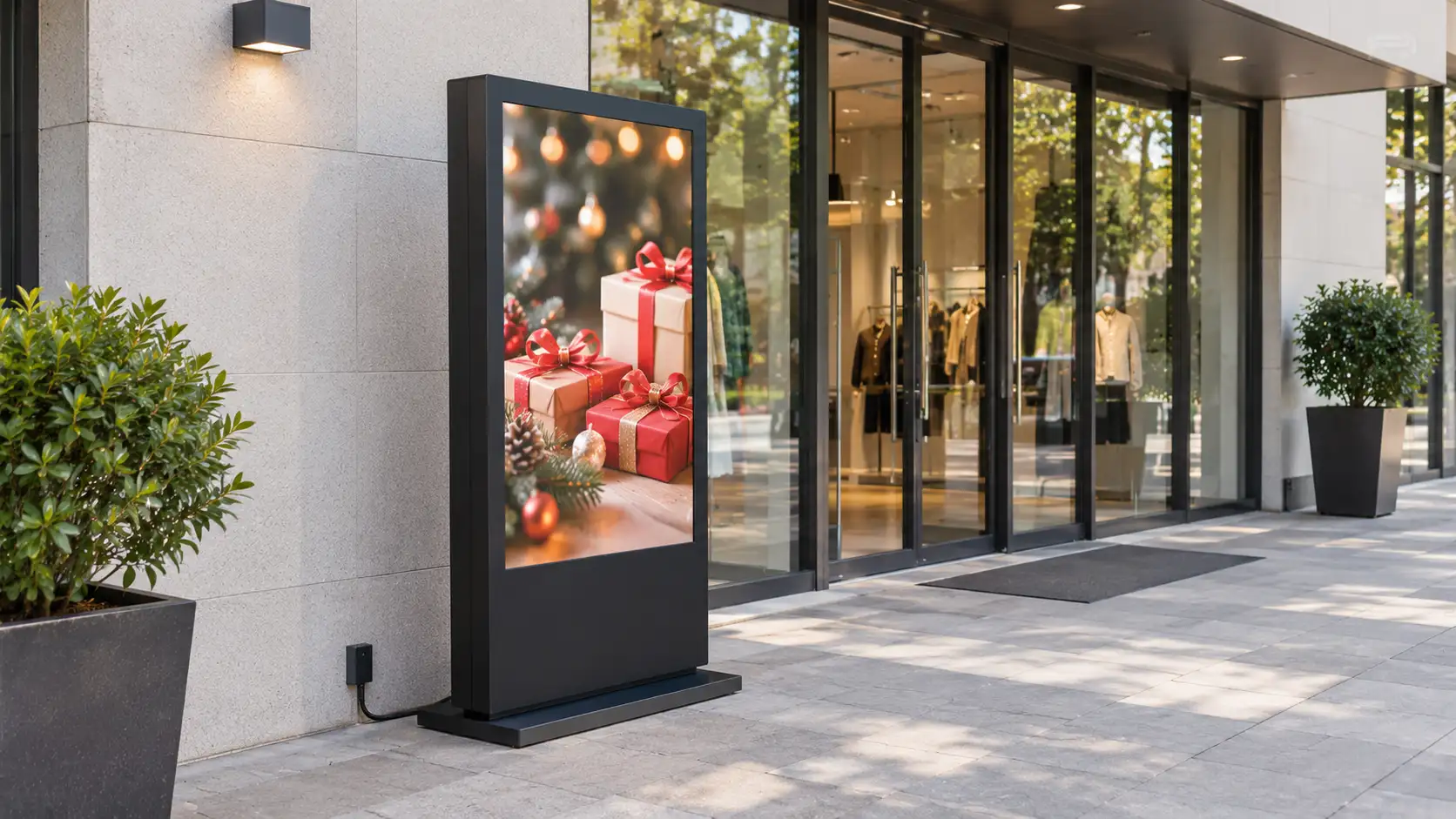
* Floor-standing: Suitable for store lobbies and showroom entrances;
* Vehicle-mounted: Suitable for public transportation scenarios such as buses and subways;
* Embedded: Can be integrated into self-service terminals, smart cabinets, and other devices.
Currently, we offer two mainstream touch methods:
* Capacitive touch: Supports multi-touch, highly sensitive operation, suitable for lightweight interactive scenarios (such as information kiosks);
* Infrared touch: Strong anti-interference, waterproof and scratch-resistant, more durable, suitable for high-frequency touch and complex environments (such as self-service terminals in public places).
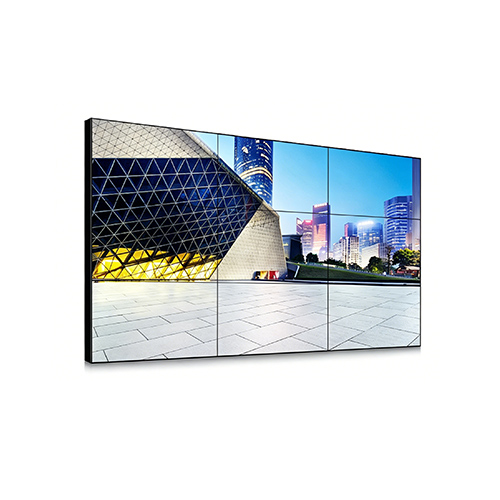
The physical gap of a standard video wall is 0.88mm-3.5mm (slightly different for different models); currently, we offer micro-gap video walls (gap ≤ 0.88mm), visually approaching a "seamless" effect, suitable for monitoring centers, large exhibition hall screens, and other scenarios requiring high display continuity.
The vehicle-mounted advertising machine adopts a shock-resistant and reinforced design, passing vehicle environment vibration tests; it also supports a wide operating temperature range of -20℃ to 60℃, adapting to extreme environments such as high temperatures inside vehicles in summer and low temperatures in winter, and can operate stably in complex road conditions such as buses and trucks.
It supports a variety of external devices, including printers, barcode scanners, ID card readers, cameras, etc.; the equipment has reserved interfaces such as USB and RS232, which can be connected to external devices according to actual needs, suitable for interactive scenarios such as self-service checkout and government affairs inquiries.
Split-screen display is supported. The number of split screens varies depending on the model: the basic model supports 2-4 split screens (such as main video + image + text), while the high-end model supports more than 16 split screens. Customizable split-screen ratios are also supported to meet the needs of displaying multiple contents simultaneously.
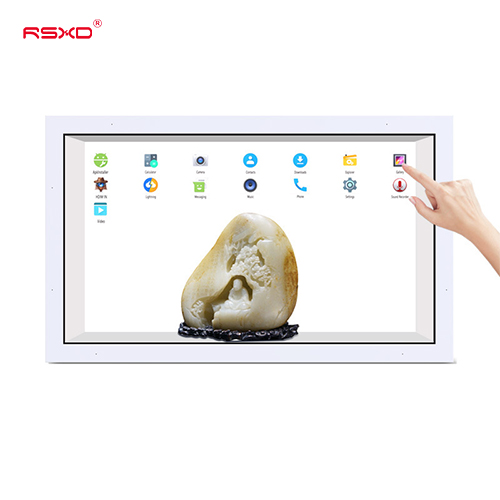
The transparent LCD display combines physical product exhibition with digital content, allowing customers to view the real item inside the cabinet while reading product information, brand stories, technical details, or promotional videos on the transparent screen.
This transparent display creates a layered visual effect. Products remain visible behind the screen, while images, text, videos, and animation can be shown on the front surface. This makes the display more attractive for high-value products, exhibition items, luxury retail, cultural collections, and brand presentation.
Outdoor vertical digital signage display is a floor-standing LCD advertising solution designed for outdoor public spaces, combining high brightness, IP65 protection, intelligent temperature control, remote content publishing, and durable anti-corrosion housing for 24/7 outdoor advertising.
Interactive flat panel display is a smart touch screen solution for classrooms, meeting rooms, training centers, and collaborative workspaces, combining digital whiteboard, wireless screen sharing, annotation, video conferencing, and multi-touch interaction in one device.
Tell us your application, screen size, installation type and touch requirements. RSXD will recommend suitable digital signage, touch displays or video walls with factory pricing and OEM support.