Outdoor Digital Signage Project Costs and What to Budget Beyond the Screen
Outdoor Digital Signage Project Costs and What to Budget Beyond the Screen
author
18th November 2026
An outdoor digital signage budget should cover the display, delivery, site preparation, installation, connectivity, content and ongoing care. Start with a defined location and operating plan, then ask which costs are included in each quotation. A screen price cannot explain the full project when one offer includes installation support and another stops at the factory gate. A useful budget makes those differences visible before purchasing begins.
Define the project before comparing prices
Write a short brief naming the site, audience, screen quantity and intended operating hours. Include whether the display will show a changing promotion, public information or an interactive directory. These choices help the buyer identify the equipment and work that need pricing. Use the same brief for the display manufacturer, installation contractor and content team so each party plans around the same project.
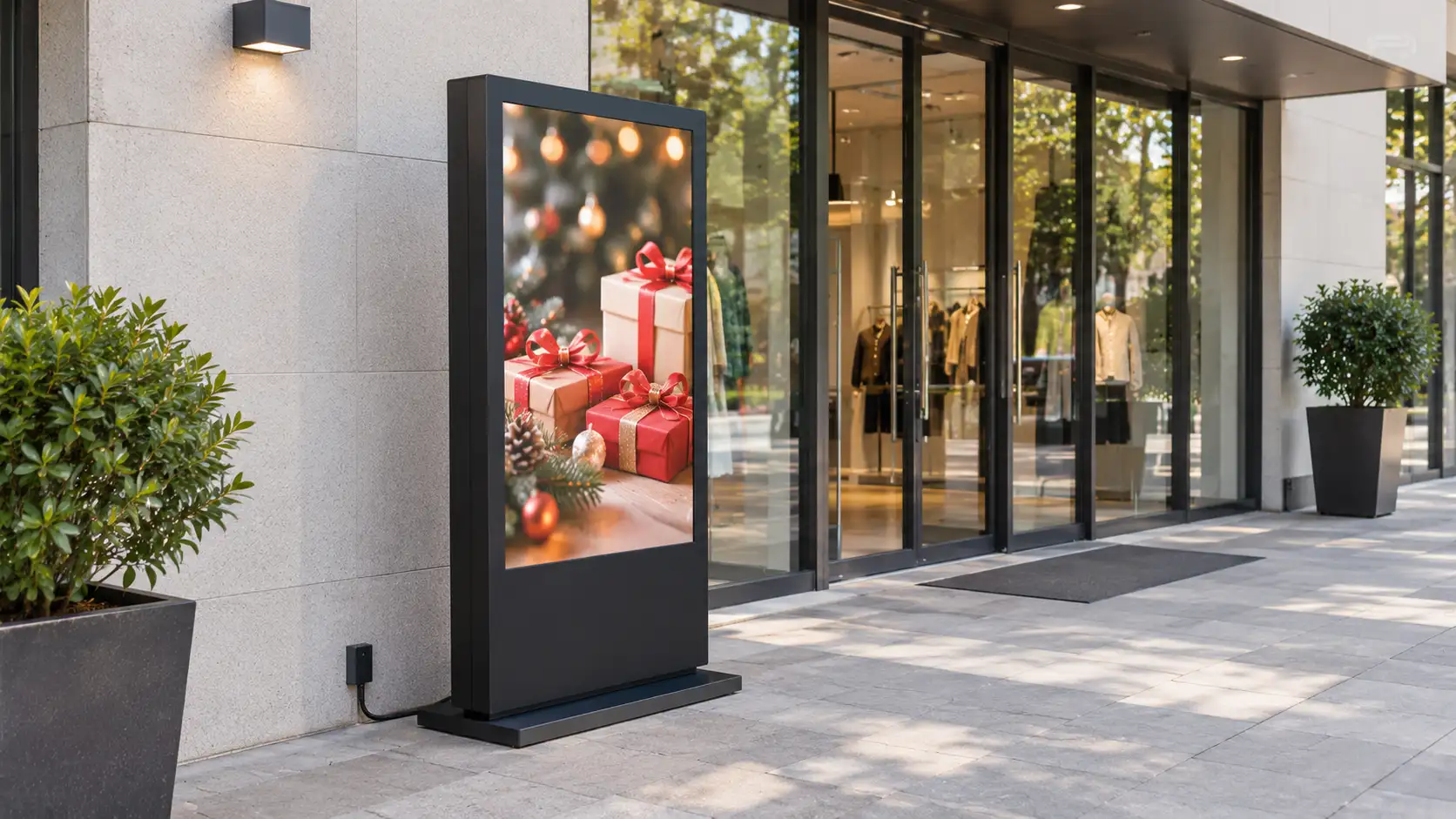
Choose the installation format early. An outdoor floor-standing advertising display and a screen fixed to a building wall involve different placement and access discussions. Ask the local installer to review the proposed position and supporting structure. Record who handles that review and any approvals, rather than assuming that buying the cabinet also covers preparing the site.
Separate the display from configuration choices
Price the configuration that will be delivered
Put the proposed model, size, system, touch requirement and playback arrangement beside the equipment price. Mark optional items separately, including any network accessories or project-specific changes. Two cabinets with similar dimensions may have different configurations, so compare the agreed specification rather than a photograph. Ask which accessories, mounting components and operating software are included and which need a separate line in the order.
Include the thermal arrangement in the discussion
RSXD offers air-cooled and air-conditioning temperature control options for its outdoor wall-mounted display. Bring sunlight exposure, local conditions and the proposed installation into that discussion. Ask for the thermal configuration and operating conditions to appear in the quotation. The budget can then reflect the chosen arrangement without treating every outdoor display as the same equipment package.
Allow for delivery and site work
Follow the equipment all the way to its position
Ask where the delivery responsibility ends. Factory collection, delivery to a port and placement at the final site are different scopes. Check packaging, freight, insurance, unloading and any storage before installation. Have the site team review the route from the delivery point to the display position, including lifting access and working times. Assign these costs to the party that will actually arrange the work.
Keep installation responsibilities explicit
For an outdoor wall-mounted installation, identify who reviews the wall, selects the fixing arrangement and prepares the cable route. For a floor-standing unit, have the installer define the support and placement work. Request a written installation scope, including access equipment and reinstatement of affected surfaces where needed. Structural and electrical decisions belong with the responsible qualified professionals and the local project requirements.
Budget for power and content delivery
Use the proposed operating plan
Have the electrical contractor quote the supply arrangement for the selected equipment and location. For the operating budget, request the relevant power information and estimate energy use against planned hours and the applicable tariff. Keep the basis of that estimate with the budget. A maximum rating, a planning assumption and measured use are different inputs; label them clearly rather than presenting one figure as a guaranteed electricity bill.
Distinguish connectivity from software charges
RSXD outdoor wall-mounted displays offer USB, LAN and Wi-Fi updating, with optional 4G configurations. Choose the method around the site and update routine. Ask separately about network hardware, connection service, data plans, software licenses, account access and setup. A remote publishing function describes a capability; the quotation still needs to state which services and charges accompany the proposed configuration.
Include the work behind the advertising
Allocate time for creating and adapting content, checking prices or dates, approving files and scheduling changes. A campaign may need different artwork for different screen orientations or locations. Agree on who supplies the original material and who makes revisions. Keep this work visible even when an internal marketing team handles it, because it still needs people and time throughout the display’s use.
Plan for the end of a campaign as carefully as its launch. Assign someone to remove expired offers, replace seasonal material and check the first message after a change. Ask the publishing provider how updates, access rights and training will be handled for the selected system. Include any agreed setup or training services in the project scope instead of leaving them for the installation day.
Plan maintenance and service access
Outdoor machine waterproof gaskets and seals should be checked regularly. Build the manufacturer’s maintenance instructions into the operating plan and ask the site team to price the access and labor involved. Consider where a technician will work and whether access equipment or restricted working hours affect a visit. Keep routine care separate from a repair allowance so both responsibilities remain clear.
RSXD offers repair, parts replacement and system upgrade services. Confirm the terms for the proposed order, including labor, parts, transport and any site visit. Record how faults are reported and who coordinates the response. Service availability alone does not settle which costs are included, so keep the agreed commercial terms with the equipment documents and the maintenance contact list.
Compare quotations with the same boundaries
Build a comparison sheet with equipment, delivery, site work, connectivity, content, training and ongoing service as separate rows. For each row, mark included, excluded or awaiting clarification. Add the responsible party and whether the cost is one-off or recurring. This turns a price difference into a question that can be answered, such as whether one proposal includes commissioning and another requires a separate contractor.
RSXD records customization requirements in a needs confirmation form and supports sample delivery and prototype testing. Use those stages to settle configuration and acceptance questions before a wider rollout. Ask for sample costs and later order conditions separately. If a requirement remains open, show it as an allowance or an unresolved item with a named owner, rather than silently counting it as zero.
Use one planning period for ongoing costs
Choose a planning period that matches the business decision and apply it consistently to every proposal. Keep initial purchase and delivery costs apart from recurring connection, software and maintenance items. For costs that depend on activity, record the assumption, such as the number of content revisions or planned service visits. A comparison remains useful only while those assumptions are visible and are updated when the project changes.
Keep changes connected to the budget
When a site position, display configuration or operating schedule changes, review the affected budget lines before approving it. Moving a cabinet can involve a new cable route or different access arrangements even when the screen itself stays the same. Keep an approved version of the brief and a short change record so purchasing, installation and operations can follow the same decisions. Price each agreed change against that version.
FAQ
Can the project be budgeted from screen size alone
Screen size is one input. The configuration, installation, delivery boundary, publishing arrangement and service scope also need to be defined before quotations can be compared.
Does remote publishing mean there are no ongoing fees
Confirm software, connection and support charges separately. Ask which accounts, licenses, updates and data services are included in the proposed order.
What should the service quotation explain
Ask for the covered work, exclusions, charging basis and responsible contact. Distinguish remote assistance, replacement parts, return transport and on-site labor, and confirm any conditions that apply to the selected order.
How should uncertain costs be recorded
Use a labeled allowance with an owner, an assumption and a date for confirmation. Replace it with an agreed amount when the relevant site or supplier information is available.
Prepare a complete outdoor display brief
Send the location, installation format, quantity, operating plan and content requirements when requesting an outdoor signage configuration from RSXD. Ask for a clearly defined supply scope so the project budget can include the work around the display as well as the equipment itself.
We support multiple installation methods, including wall-mounted, floor-standing, vehicle-mounted, and embedded. Different installation methods correspond to different scenarios:
* Wall-mounted: Suitable for building elevators and shopping mall walls;
* Floor-standing: Suitable for store lobbies and showroom entrances;
* Vehicle-mounted: Suitable for public transportation scenarios such as buses and subways;
* Embedded: Can be integrated into self-service terminals, smart cabinets, and other devices.
Currently, we offer two mainstream touch methods:
* Capacitive touch: Supports multi-touch, highly sensitive operation, suitable for lightweight interactive scenarios (such as information kiosks);
* Infrared touch: Strong anti-interference, waterproof and scratch-resistant, more durable, suitable for high-frequency touch and complex environments (such as self-service terminals in public places).
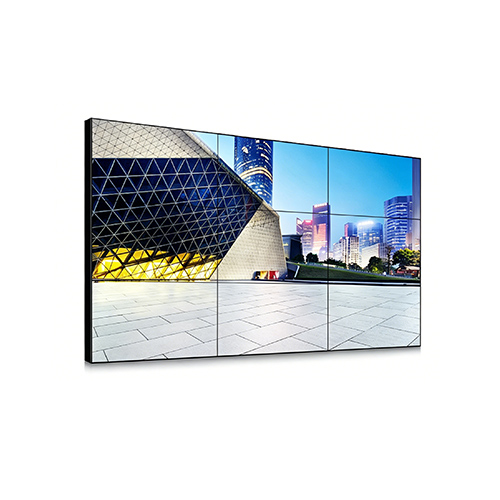
The physical gap of a standard video wall is 0.88mm-3.5mm (slightly different for different models); currently, we offer micro-gap video walls (gap ≤ 0.88mm), visually approaching a "seamless" effect, suitable for monitoring centers, large exhibition hall screens, and other scenarios requiring high display continuity.
The vehicle-mounted advertising machine adopts a shock-resistant and reinforced design, passing vehicle environment vibration tests; it also supports a wide operating temperature range of -20℃ to 60℃, adapting to extreme environments such as high temperatures inside vehicles in summer and low temperatures in winter, and can operate stably in complex road conditions such as buses and trucks.
It supports a variety of external devices, including printers, barcode scanners, ID card readers, cameras, etc.; the equipment has reserved interfaces such as USB and RS232, which can be connected to external devices according to actual needs, suitable for interactive scenarios such as self-service checkout and government affairs inquiries.
Split-screen display is supported. The number of split screens varies depending on the model: the basic model supports 2-4 split screens (such as main video + image + text), while the high-end model supports more than 16 split screens. Customizable split-screen ratios are also supported to meet the needs of displaying multiple contents simultaneously.
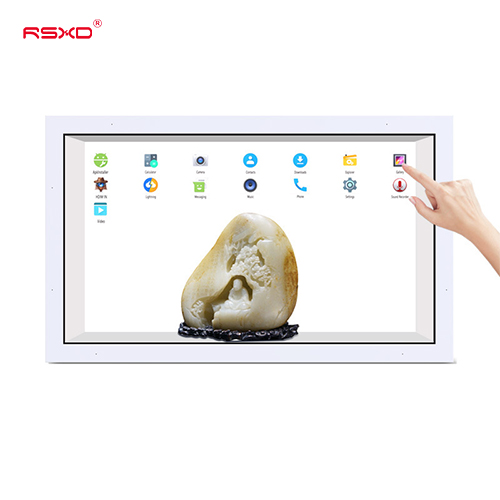
The transparent LCD display combines physical product exhibition with digital content, allowing customers to view the real item inside the cabinet while reading product information, brand stories, technical details, or promotional videos on the transparent screen.
This transparent display creates a layered visual effect. Products remain visible behind the screen, while images, text, videos, and animation can be shown on the front surface. This makes the display more attractive for high-value products, exhibition items, luxury retail, cultural collections, and brand presentation.
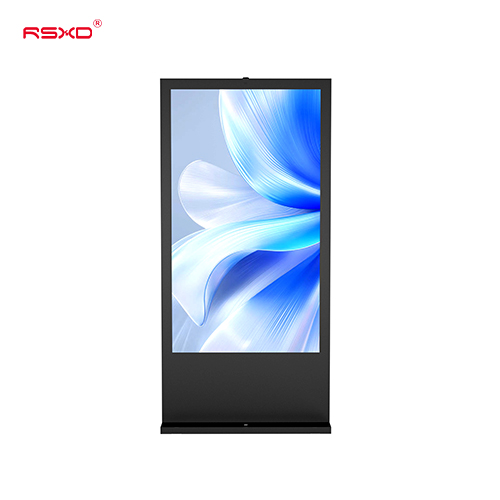
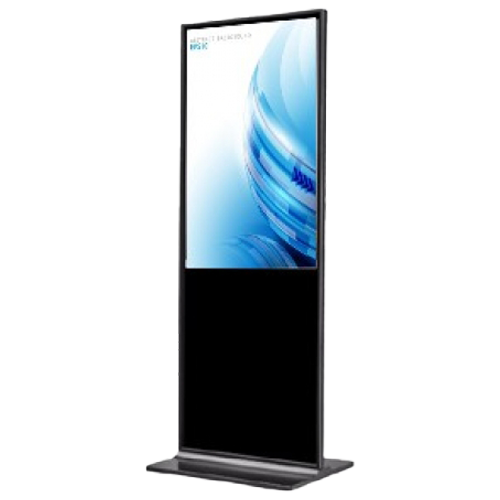
Outdoor vertical digital signage display is a floor-standing LCD advertising solution designed for outdoor public spaces, combining high brightness, IP65 protection, intelligent temperature control, remote content publishing, and durable anti-corrosion housing for 24/7 outdoor advertising.
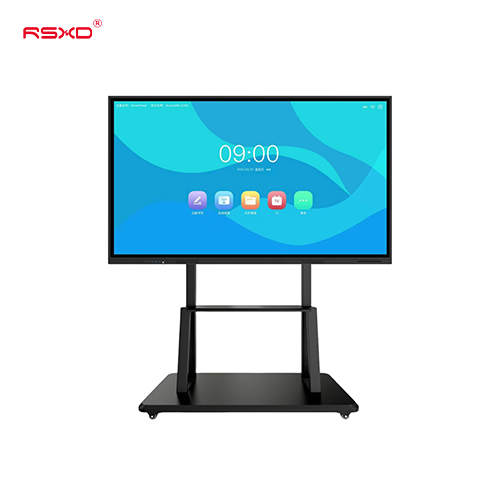
Interactive flat panel display is a smart touch screen solution for classrooms, meeting rooms, training centers, and collaborative workspaces, combining digital whiteboard, wireless screen sharing, annotation, video conferencing, and multi-touch interaction in one device.
Tell us your application, screen size, installation type and touch requirements. RSXD will recommend suitable digital signage, touch displays or video walls with factory pricing and OEM support.