7 Ways to Use a Portable Smart Display in Retail Stores and Showrooms
7 Ways to Use a Portable Smart Display in Retail Stores and Showrooms
author
6th November 2026
A portable smart display can become a product catalog, a consultation screen, a demonstration station or a training aid. In a store or showroom, its value depends on the job you assign it. Start with a recurring customer question or staff task, then decide where the screen belongs and what should happen after someone uses it.
The seven ideas below are deployment suggestions, not promises of higher sales. For each one, plan the content, the person responsible and a small test of whether the setup helps. A screen with no owner and an outdated promotion is an unfinished project, however attractive the hardware looks.
1. Offer an interactive product catalog
Place the screen beside a collection that needs explanation, such as furniture finishes, lighting options or equipment accessories. Build a short path from the main category to the details shoppers ask about. Use clear images, current descriptions and a visible way back to the starting screen.
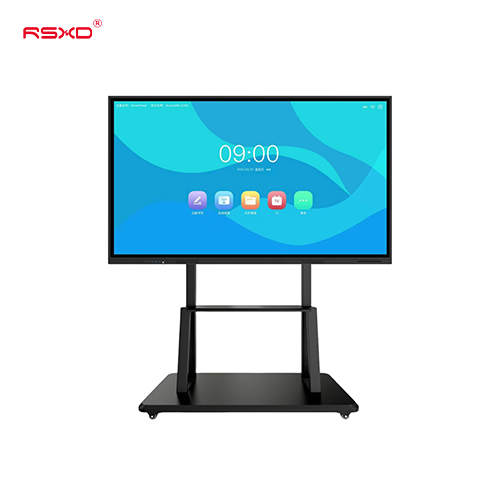
A movable touchscreen display is worth considering when the collection changes location or staff share it between consultation areas. RSXD’s portable smart display is designed for catalogs, promotional media and customer presentations, with hidden wheels for movement between display zones.
Keep stock availability separate unless a verified connection supplies it. For the pilot, ask visitors to find a particular option without coaching. Record where they hesitate and revise the menu before adding more products.
2. Help customers compare their shortlist
Use a consultation area for side-by-side comparisons of two or three suitable choices. For a hypothetical furniture showroom, the screen could hold dimensions and finish images while the salesperson presents physical samples. Keep the comparison fields consistent so the conversation stays understandable.
Give staff a clear route from the customer’s question to the comparison. Avoid a long slide deck that they have to search through in front of the customer. Leave room for uncertainty: a product detail requiring confirmation should be checked before a quotation is agreed.
Test this use with common consultation questions. Review whether staff can find the comparison and whether its information matches the current approved specifications. Count unresolved questions as a content issue to investigate, rather than assuming the device has failed.
3. Demonstrate how a product works
Put a short demonstration beside the physical item. Show the operation that is difficult to explain with a static label: a setup sequence, an accessory change or a feature comparison. Where appropriate, let customers select the clip that answers their question instead of watching a long loop.
Prepare captions and try the presentation with the sound muted. Choose a screen position that leaves the product accessible and gives the salesperson room to demonstrate it. Check the actual video files and player during sample acceptance.
For a permanent self-guided station, an interactive digital signage kiosk is another format to assess. Compare it when the job belongs at one fixed display point. Choose the movable format when moving between exhibits is part of the intended routine.
4. Move promotional content with the campaign
Use the display near a seasonal collection, a launch table or a temporary showroom exhibit. Match the screen’s message to the items immediately around it. Give a promotion a clear end date and assign someone to remove it when the campaign changes.
Create a short opening and closing checklist for staff. It should identify the approved content, the parking position, the power arrangement and the person who handles an error. Plan the movement route so the screen does not become an obstacle to shoppers or staff.
Do not promise a full trading day from a battery headline. Test the intended content and settings over the period you need. Measure whether the promotion was displayed correctly and on schedule before drawing conclusions about customer response.
5. Bring a remote specialist into the conversation
A showroom might need advice from a product specialist who is not on site. Consider a scheduled video consultation for questions that require that person’s expertise. RSXD’s portable model includes a built-in camera for online video communication; the calling application and the complete audio setup still need testing.
Choose a quieter consultation position and agree on how staff will arrange the call. Have the customer confirm that they want to participate, and avoid displaying unrelated customer records. Keep a route for arranging a later appointment if the specialist is unavailable.
During the pilot, record completed consultations, failed connections and questions left unanswered. Use that information to adjust scheduling and preparation. The aim is access to the right discussion, not a claim that a video call automatically closes a sale.
6. Start an appointment or quotation request
Use a clear request form for customers who want a follow-up consultation, a sample discussion or a quotation. Ask only for the details needed for that next step. Explain who will respond and let the customer check the request before submitting it.
The form and submission process require suitable software. Confirm where requests arrive, how staff identify them and how the screen clears one visitor’s details before the next session. Test failed submissions and repeat taps, not just the successful demonstration.
Keep payment, loyalty enrollment and customer-database synchronization outside the initial scope unless each is separately specified and validated. For touch screen retail displays, useful interaction starts with a working next step. A decorative form with no reliable destination does not meet that requirement.
7. Train the team before the doors open
Move the screen to the relevant display area for a short briefing on a new collection or campaign. Show the approved explanation, demonstrate the task and let colleagues practice answering a likely customer question. End with one agreed action for that day’s work.
Keep this session separate from the public-facing content. Afterward, return the display to its customer mode and check the first screen. For larger teaching groups or frequent collaborative writing, compare an interactive flat panel for training before deciding which format fits the task.
Review the pilot through a practical exercise: can another team member explain the product accurately and find the supporting information? Attendance alone is a weak acceptance test for the proposed briefing.
Run a small store pilot before expanding
Choose one main use for the first installation. Write a brief that names the location, application, content owner, power routine and expected next step. Avoid starting with all seven uses at once; each extra workflow adds something that must be prepared and checked.
Pilot question
Useful check
Can people complete the task?
Observe a product lookup, comparison or request from start to finish
Does the setup recover?
Restart the app and repeat the task after a connection problem
Is the content current?
Compare displayed offers and product details with approved versions
Can staff hand it over?
Have another shift start, use and close the station
Include application compatibility in that brief. Google Play application availability can vary with location, screen size and Android version. For unattended use, ask the integrator to demonstrate the proposed restrictions; Android lock task mode involves a device policy controller and allowlisted applications. Do not assume those arrangements come with every Android screen.
RSXD supports sample delivery and prototype testing. Use the sample to validate your store workflow before defining a wider rollout. Record the working configuration and the remaining questions so the next store does not have to repeat the same discovery work.
Frequently asked questions
Which use should a store try first?
Choose one recurring task with a clear finish, such as finding a product option or submitting an appointment request. Give it an owner and observe the complete interaction.
Do we need a custom application?
Not necessarily. Evaluate whether an existing compatible application or a suitable web interface can perform the required task. Confirm operation on the actual device before choosing the software route.
Can it show live inventory or take payment?
Only include those functions after the relevant software, connections and operating requirements have been validated. Treat them as additional project scope rather than standard screen features.
Should the display stay in one place?
Use a fixed position when that serves the task. Plan movement when the screen genuinely needs to follow collections, consultations or staff briefings, with a defined parking and charging routine.
What belongs in a supplier inquiry?
Include the store layout, first use case, application, content format, operating hours and runtime requirement. To plan a sample evaluation, send RSXD your retail display brief with the workflow you want to test.
We support multiple installation methods, including wall-mounted, floor-standing, vehicle-mounted, and embedded. Different installation methods correspond to different scenarios:
* Wall-mounted: Suitable for building elevators and shopping mall walls;
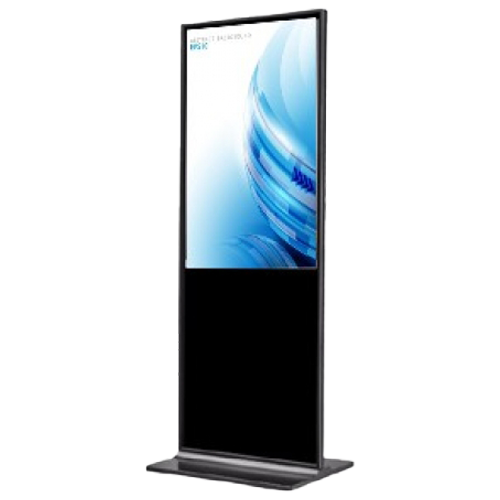
* Floor-standing: Suitable for store lobbies and showroom entrances;
* Vehicle-mounted: Suitable for public transportation scenarios such as buses and subways;
* Embedded: Can be integrated into self-service terminals, smart cabinets, and other devices.
Currently, we offer two mainstream touch methods:
* Capacitive touch: Supports multi-touch, highly sensitive operation, suitable for lightweight interactive scenarios (such as information kiosks);
* Infrared touch: Strong anti-interference, waterproof and scratch-resistant, more durable, suitable for high-frequency touch and complex environments (such as self-service terminals in public places).
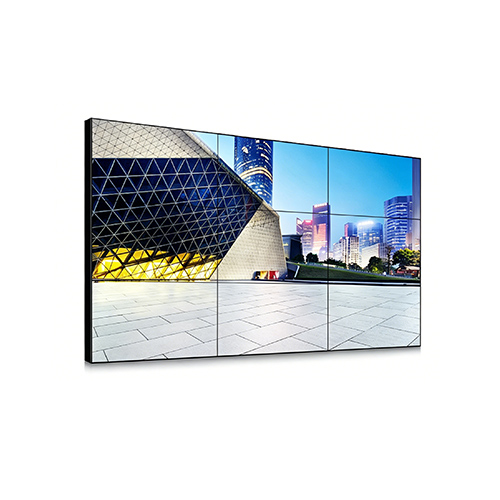
The physical gap of a standard video wall is 0.88mm-3.5mm (slightly different for different models); currently, we offer micro-gap video walls (gap ≤ 0.88mm), visually approaching a "seamless" effect, suitable for monitoring centers, large exhibition hall screens, and other scenarios requiring high display continuity.
The vehicle-mounted advertising machine adopts a shock-resistant and reinforced design, passing vehicle environment vibration tests; it also supports a wide operating temperature range of -20℃ to 60℃, adapting to extreme environments such as high temperatures inside vehicles in summer and low temperatures in winter, and can operate stably in complex road conditions such as buses and trucks.
It supports a variety of external devices, including printers, barcode scanners, ID card readers, cameras, etc.; the equipment has reserved interfaces such as USB and RS232, which can be connected to external devices according to actual needs, suitable for interactive scenarios such as self-service checkout and government affairs inquiries.
Split-screen display is supported. The number of split screens varies depending on the model: the basic model supports 2-4 split screens (such as main video + image + text), while the high-end model supports more than 16 split screens. Customizable split-screen ratios are also supported to meet the needs of displaying multiple contents simultaneously.
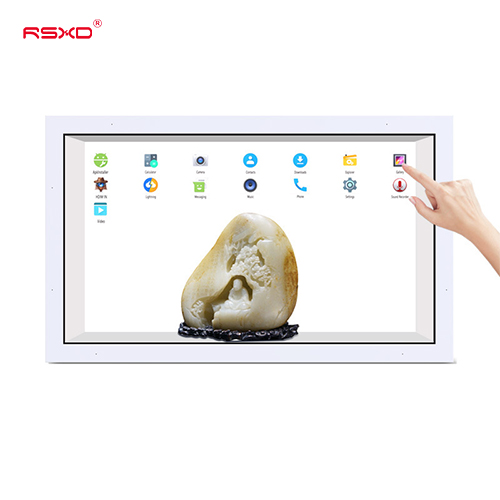
The transparent LCD display combines physical product exhibition with digital content, allowing customers to view the real item inside the cabinet while reading product information, brand stories, technical details, or promotional videos on the transparent screen.
This transparent display creates a layered visual effect. Products remain visible behind the screen, while images, text, videos, and animation can be shown on the front surface. This makes the display more attractive for high-value products, exhibition items, luxury retail, cultural collections, and brand presentation.
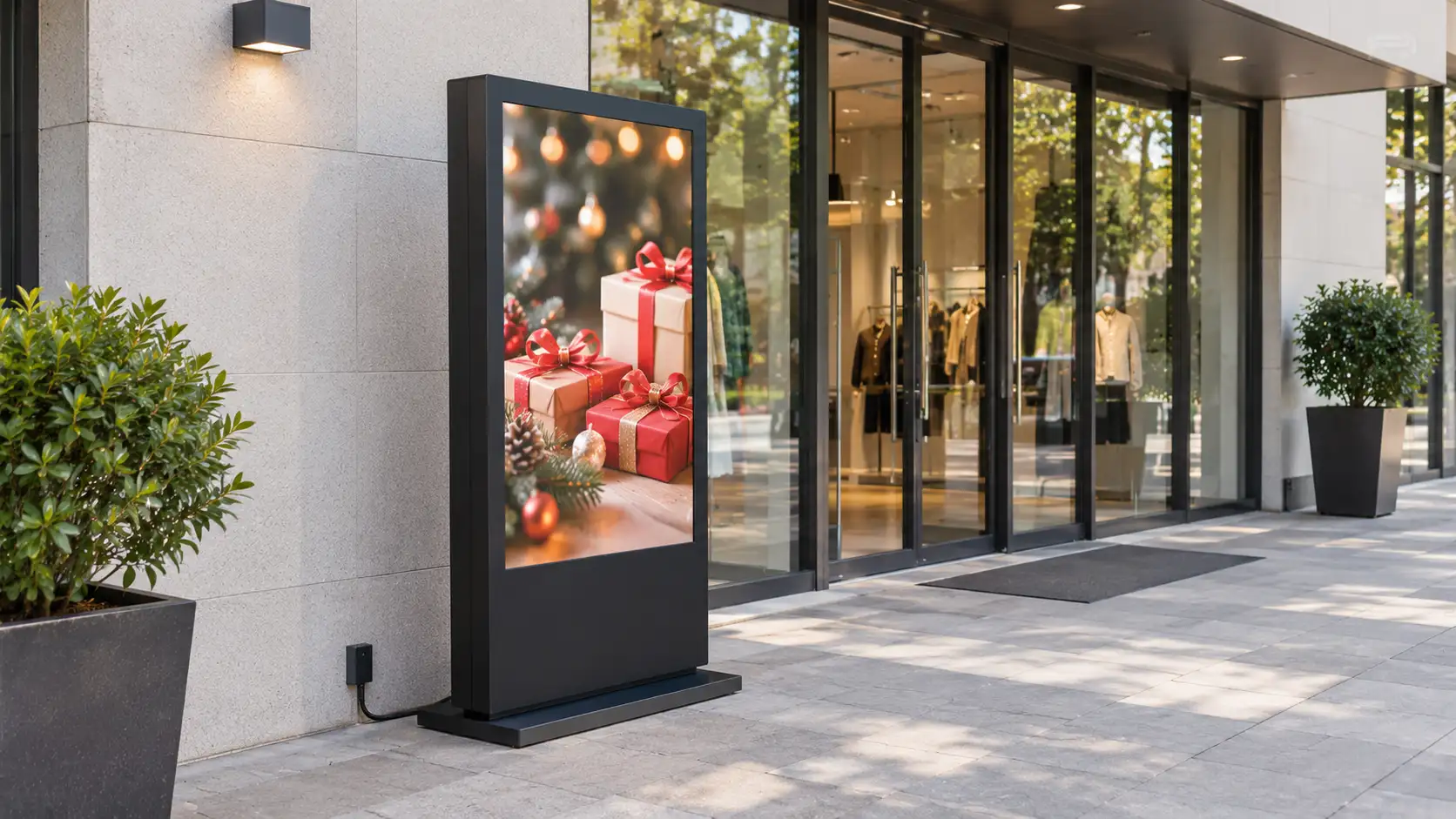
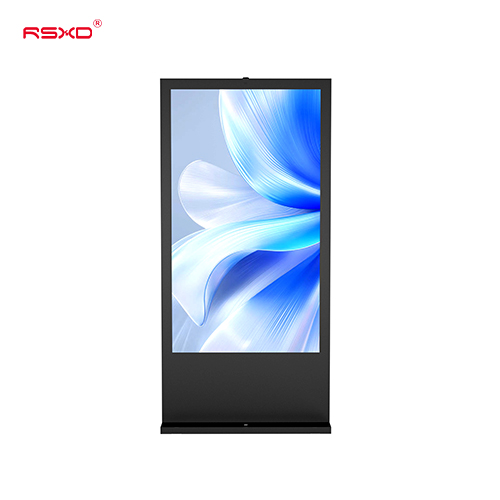
Outdoor vertical digital signage display is a floor-standing LCD advertising solution designed for outdoor public spaces, combining high brightness, IP65 protection, intelligent temperature control, remote content publishing, and durable anti-corrosion housing for 24/7 outdoor advertising.
Interactive flat panel display is a smart touch screen solution for classrooms, meeting rooms, training centers, and collaborative workspaces, combining digital whiteboard, wireless screen sharing, annotation, video conferencing, and multi-touch interaction in one device.
Tell us your application, screen size, installation type and touch requirements. RSXD will recommend suitable digital signage, touch displays or video walls with factory pricing and OEM support.