 author
When you compare interactive kiosks vs non-touch displays, start with the task each screen must complete. A non-touch display broadcasts a message, route, price, or queue number. An interactive kiosk lets a visitor search, register, pay, print, or request help. ROI follows that job: measure completed actions, labor hours removed, revenue influenced, and service uptime.
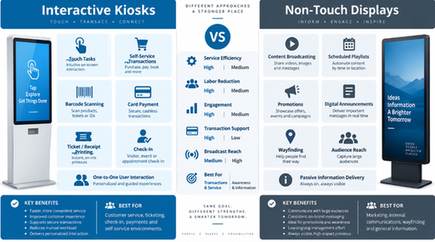
A non-touch digital signage screen suits one message for everyone. An interactive kiosk suits a different answer or transaction for each visitor. Many sites use both: a large screen handles shared information while a smaller terminal handles private actions.
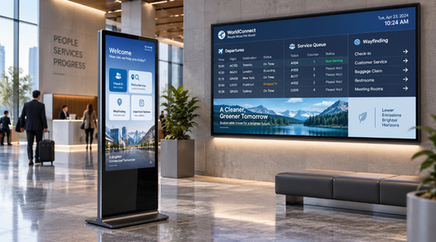
Interactive kiosk ROI comes from user actions you can count. Track registrations, ticket prints, payments, product lookups, or wayfinding sessions per device. Compare that output with purchase, installation, software, network, cleaning, and support costs.
In a hospital lobby, a self-service kiosk can combine registration, payment, report inquiry, and printing. In a government hall, a visitor can search policy information, verify identity, and fill a form. In retail, a touch screen kiosk can show stock and product details while staff handle exceptions. These touch screen kiosk benefits appear as shorter queues and fewer repeated questions.
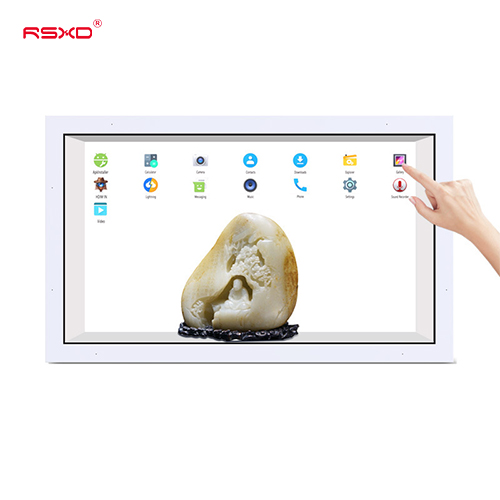
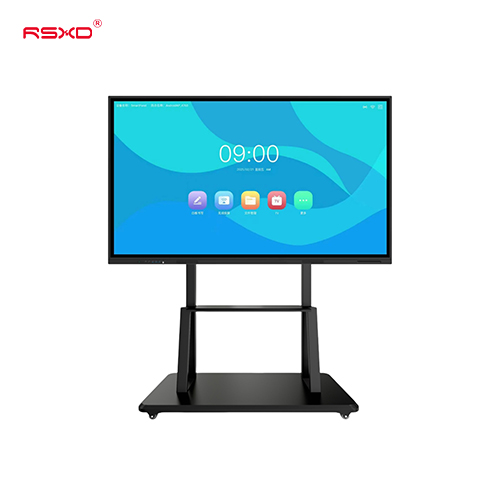
RSXD touch systems support infrared or capacitive touch, 10 to 32 touch points, accuracy around ±2 mm, and response times as low as 3 to 5 ms, depending on configuration. Identity recognition, card reading, QR scanning, printing, and data collection modules can be added for a defined workflow.
Touch hardware adds a sensor, protective glass, computing resources, and software testing. It also needs a clear interface and cleaning routine. A touch layer has little value in a corridor where people only need a departure time. Scheduled playback on a non-touch screen fits that job.
Non-touch digital signage earns its return through reach and consistent publishing. A retailer can send prices and promotions to every branch from one content system. A station can show schedules, route guidance, safety notices, and paid advertising on a timed playlist. A hotel can publish rates and event information from the same content system.
Digital signage operating costs include electricity, network service, content software, preventive maintenance, and panel or media-player replacement. Remote content management lets operators push files, set schedules, restart devices, and view fault alerts from a central platform. Split-screen playback can reserve one area for public information and another for commercial content.
For bright atriums, stations, plazas, and outdoor roads, specify a high-brightness commercial display with suitable protection. RSXD materials list indoor brightness around 300 to 500 cd/m² and outdoor options around 800 to 1500 cd/m², with waterproof, dustproof, UV-resistant, and temperature-resistant configurations.
The table connects each display type to value drivers you can measure during a pilot.
| Parameter | Interactive Kiosk | Non-Touch Display |
|---|---|---|
| Primary job | Individual search, service, or transaction | Shared information or advertising |
| Hardware | Infrared or capacitive touch | Display and media player |
| Content control | Kiosk software and workflow integration | Scheduled playlists and remote publishing |
| Useful metrics | Completed tasks, queue time, payments, print jobs | Impressions, ad plays, update labor |
| Common locations | Service halls, hospitals, retail help points | Lobbies, corridors, stations, plazas |
| Main cost risks | Integration, cleaning, misuse, module repairs | Brightness, heat, weather, media-player upkeep |
Use a 12-month model with a baseline from the current process. Record daily visitors, service time, staff minutes per transaction, error rates, advertising income, and downtime. Give both scenarios the same accounting treatment.
For an interactive kiosk, estimate annual value as labor hours saved plus transaction margin plus advertising or cross-sell revenue. Subtract software, connectivity, cleaning, support, and replacement allowances. Divide by installed cost. For a non-touch display, count content production savings, avoided print costs, advertising revenue, and staff time saved during updates.
Run a four-week pilot. It can reveal peak usage, abandoned sessions, glare, vandalism exposure, and network gaps. Count completed actions alongside screen views.
RSXD describes pre-installation checks for display quality, touch sensitivity, interface compatibility, and remote management. Finished units receive at least 48 hours of continuous high-temperature aging, followed by checks for brightness, contrast, color consistency, touch accuracy, and power cycling. These checks give procurement teams concrete acceptance points.
A mixed plan uses one device for broadcast content and another for private tasks. RSXD supplies floor-standing advertising machines, touch inquiry units, self-service terminals, and large displays from 10.1 inches to 120 inches-plus. Its team adapts Windows, Kylin OS, UnionTech UOS, and HarmonyOS, then connects remote management, printing, scanning, or identity modules.
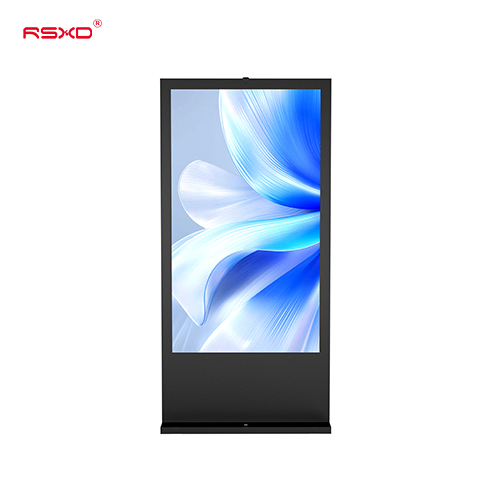
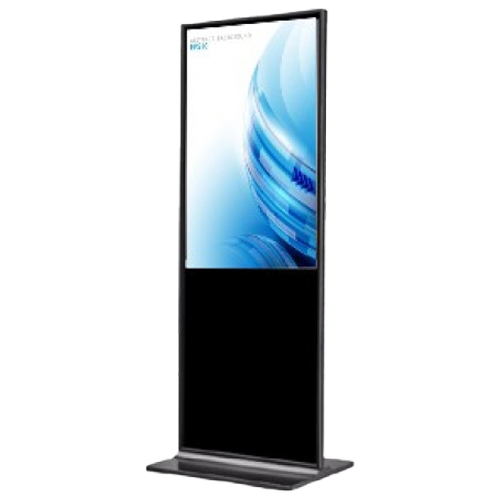
For a lobby or retail pilot, a floor-standing digital signage display can carry shared messages while a touch terminal handles search or registration. RSXD also provides installation, commissioning, remote diagnostics, and on-site service. Review the range at RSXD when you need hardware, software, installation, and maintenance in one plan.
Q1: Which has better interactive kiosk ROI?
A: The higher return comes from the task. A touch kiosk fits transactions and guided services; a non-touch screen fits shared information and advertising.
Q2: What is the main cost difference?
A: Interactive kiosks add touch hardware, workflow software, integration, cleaning, and user support. Non-touch screens need content scheduling, brightness, weather protection, and media-player upkeep.
Q3: Can non-touch digital signage support remote content management?
A: Yes. A central platform can publish files, schedule playlists, set power policies, and send fault alerts to multiple screens.
Q4: What should you measure in an interactive kiosk pilot?
A: Count completed services, session time, abandonment, queue time, staff intervention, print or payment jobs, uptime, and support tickets.
Q5: When does a self-service kiosk make sense?
A: It fits a repeated process such as registration, payment, ticket collection, report printing, or policy lookup when staff time has a measurable cost.