 author
Talking at work is not just about sending emails or passing out paper notes anymore. Today, seeing things clearly is a big part of team meetings and sharing daily news. Corporate wall displays help you show your ideas much better. They also improve how your teams work together. This builds a much better and happier office space.
A good screen setup handles big boss meetings, client talks, and staff updates. With bright screens and touch tools, office wall displays are a huge piece of smart office design today.
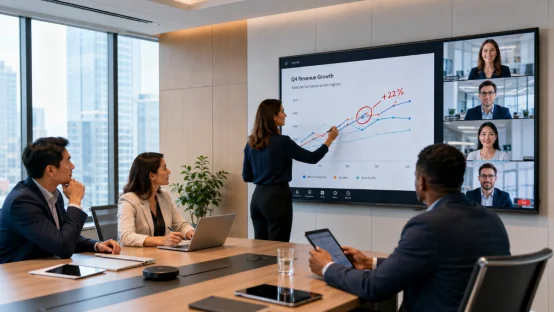
Many companies now mix home and office work. So, meeting spaces need more than just a basic screen. You need a display solution that shows facts clearly to everyone. It must connect to phones and computers easily. This helps people talk and share ideas fast.
A big, clear screen lets teams share ideas quickly. During a big plan meeting or a sales talk, a nice screen makes charts and videos super easy to see.
Old projectors can be dark and blurry. But modern commercial LCD displays stay bright and look very sharp. They also make the room look totally clean. Plus, they work great even when the sun shines brightly outside your windows.
Meeting rooms today often mix office workers and people staying at home. Smart conference room displays link these two groups together smoothly. They use wireless casting and video calls to do this.
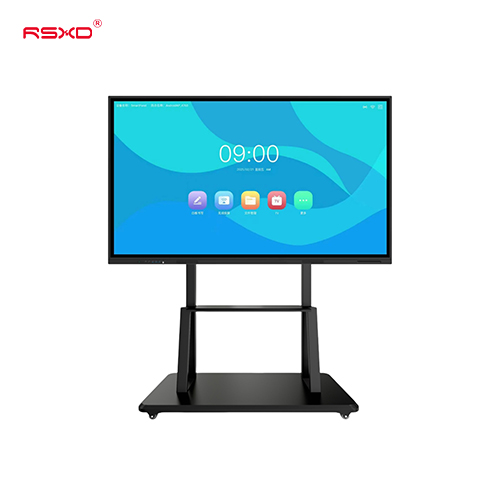
Touch screens let you write notes by hand. People can work together right there on the screen. This stops a lot of confusion. It also helps groups make choices much faster than before.
Picking a screen is not just about its size. Companies want tools that get real work done faster. They want things that are simple to use every single day. A good screen becomes your main way to talk. It is not just another random tool on the wall.
New meeting room displays let workers share screens in seconds. You can send things from laptops or small tablets easily. Touch tools make talking feel totally normal. You can draw right on the screen. You can point out big ideas and update facts during the meeting.
For instance, teams looking at a design can change the plan directly on the board. Small fixes like this save a ton of time. This helps a lot when many groups must work together.
How your office looks changes how guests and workers feel. Clean, flat screens make front desks look fresh and neat. They also look great in big meeting rooms.
You can use screens to show company news or cool new products. You can share daily team updates, too. This builds one clear voice all over your building.
Office screens often stay on all day long. A solid setup must work hard and be simple to fix.
Commercial display systems often have remote tools. So, IT staff can change pictures right from their desks. They can check machines and fix small bugs fast. They do not have to walk to every single screen. This is a huge help for big companies with many rooms.
Different rooms need different things. A good screen fits meeting spots, open halls, and class rooms easily.
Conference rooms use these screens the most. Big screens are great for slide shows and web calls. They help teams read files and talk clearly.
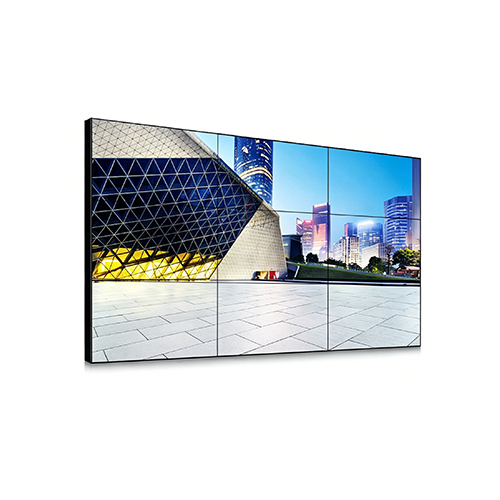
A single touch screen fits a small room perfectly. But huge boardrooms might need massive screens. They might even use LCD video wall systems. This makes sure everyone in the back row can see easily.
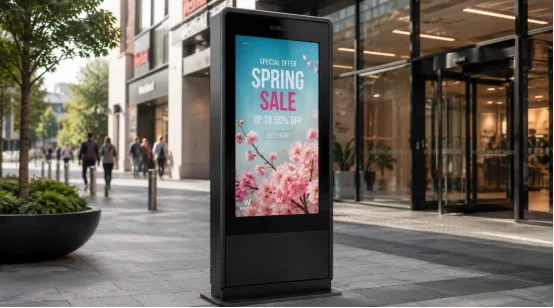
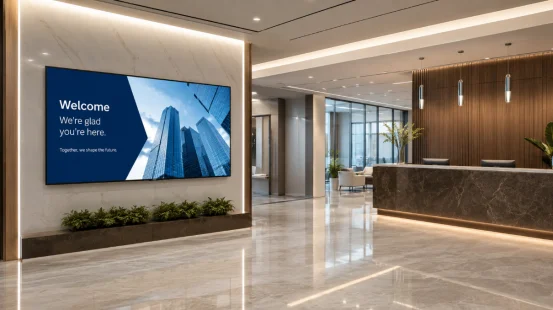
The front desk is what guests see first. Office wall display solutions show off your brand here. They show nice welcome notes and helpful service details.
Digital signage also tells staff about big news. It does this without using long, boring emails.
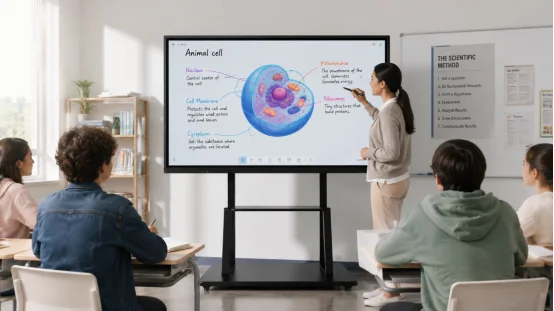
Teachers need screens that show clear steps. Touch screens make class fun and active. They use videos and digital pens to keep people awake. They help everyone learn together.
Picking a screen depends on your room size. It also depends on what you want to do. A smart pick balances good looks, easy use, and long life.
The best size relies on crowd size. It also depends on how far people sit. A cozy room needs a medium screen. But a giant hall needs a huge screen or many screens linked together.
Clear pictures matter a lot for real work. 4K displays show tiny details very well. They are perfect for charts and bright videos.
Also, check the plugs like HDMI and USB. Check for wireless casting, too. Make sure it fits your current office gear well. This saves you from buying new cables later.
Every office is unique and different. Some just need a basic meeting screen. Others need special sizes or extra software inside. A partner who knows hardware and software can build exactly what you need for your space.
Good service matters just as much as cool features. You need a team that gives solid gear and fits it to your exact room.
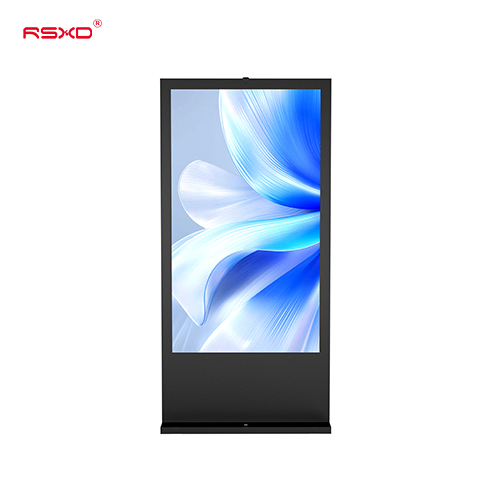
RSXD focuses on commercial LCD display parts and full setups. They handle the planning, building, selling, and fixing. Their list includes wall-mounted digital signage, touch boards, and meeting gear. They also make LCD video wall systems. RSXD mixes hardware and software to fit your exact needs perfectly.
For businesses, RSXD uses its deep skill in smart screens to help. They build communication spaces that are simple to run. These spaces are perfect for modern jobs. You can find more details about their wall-mounted display solutions on their main site.
Q1: What Are Corporate Wall Displays Used For?
A: People use corporate wall displays for meetings, big talks, and sharing news. They act as digital signage for guests and staff. They help companies show facts clearly and fast.
Q2: Why Choose Commercial LCD Displays Instead of Projectors?
A: Commercial LCD displays are brighter and much clearer. They are easier to clean and fix. They look way better on the wall than old projectors.
Q3: Can Meeting Room Displays Support Remote Collaboration?
A: Yes, they can. New meeting room displays have wireless sharing and web calls. This links folks in the room with those working at home seamlessly.
Q4: What Size Display Is Suitable for a Conference Room?
A: The best size relies on the room’s shape and seat spaces. Big rooms naturally need much bigger screens so everyone can view them.
Q5: How Do Interactive Display Solutions Improve Meetings?
A: Interactive display solutions let you write and draw right on the glass. You can share files easily. This makes talking much faster and more fun.