 author
Picking between wall mounted digital signage and freestanding digital signage is more than just a style choice, as it changes how people see your message and affects your floor space. Installation and future screen care also depend on this choice. A wall mounted display is great for a fixed info spot.
On the other hand, a freestanding display is awesome if you want big visibility and the freedom to move it around. The best pick really depends on your room, your viewers, what you show, and your long-term plan.
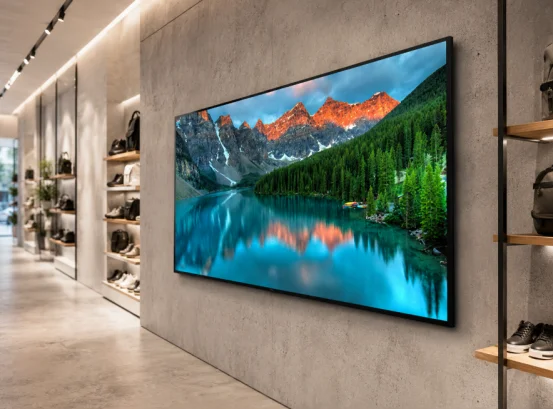
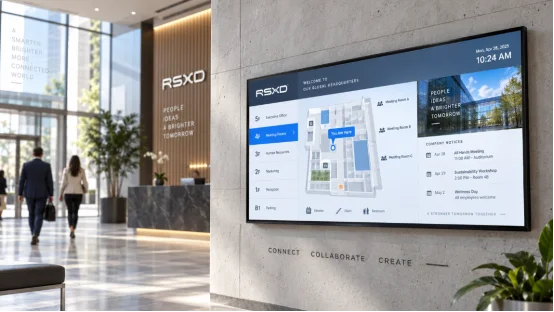
Wall mounted digital signage hangs on a wall using a special bracket, which keeps the floor empty and makes your room look neat. This setup is perfect for spots where people naturally stop or walk near a wall. Good examples include a hospital hallway, a hotel front desk, a bank hall, an elevator waiting area, or a store aisle.
A wall mounted display is a smart pick when you lack floor space. In a tight shop, a floor unit might block shoppers, but a wall mounted digital signage screen shows ads without eating up shelf or line space. It is also good for messages that stay put. You can use it for menus, alerts, department details, maps, or company intros. Once you fix the height and angle, the screen runs all day, and you barely have to touch it.
The top perk is space. A wall mounted unit stays out of the way, so it won’t block shoppers, carts, wheelchairs, or mops. This lowers the risk of accidental bumps and makes hiding messy wires much easier.
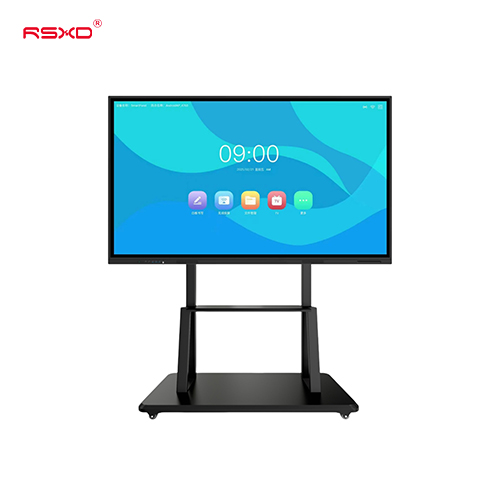
RSXD says wall mounted formats support sizes from 10.1 inches to 120 inches and bigger. Based on the model, you can pick 1080P or 4K resolution. They offer viewing angles up to 178 degrees and 24/7 run times. Still, you must check a few things first. Look at the wall strength, bracket type, and power plugs, and do not forget the cooling needs and repair space. A screen might look thin on the wall, but it still needs enough room behind it for safe wires and easy fixes.
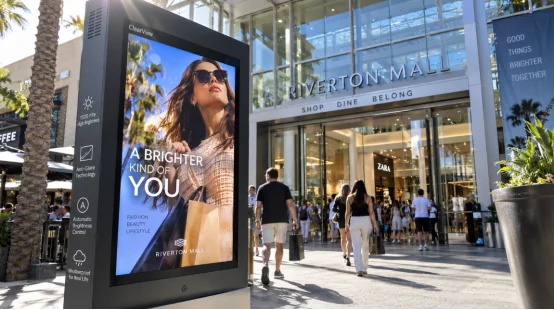
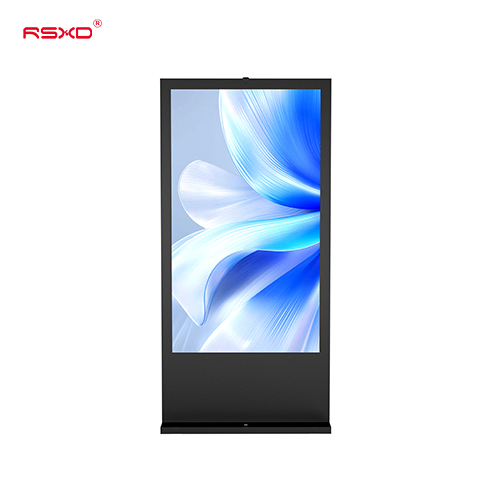
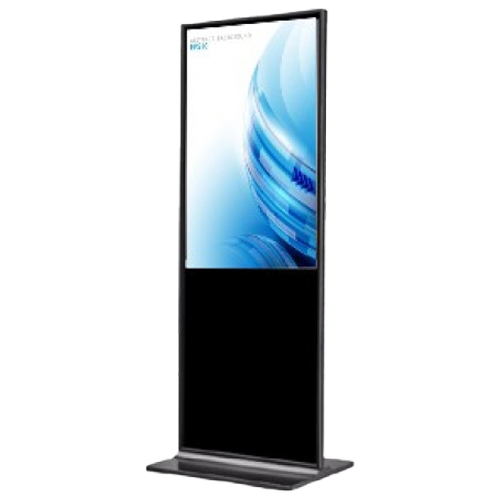
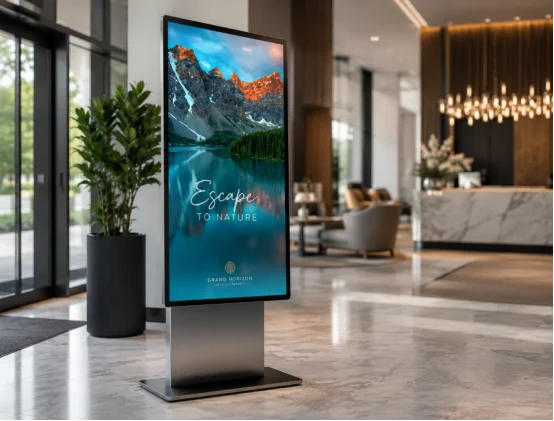
Freestanding digital signage rests on a floor base or an upright stand, and you can easily set it by a door, next to a product stand, or in a hotel lobby. The screen sits right near eye level. Because of this, it grabs attention fast, which is very true when folks walk right up to it.
Freestanding digital signage shines when your message must reach folks in wide-open spaces. A mall might drag a screen from the front door to a sale zone during a big event. A hotel could show a welcome note today, and tomorrow, that same screen might act as a meeting guide.
This setup is also handy if you cannot drill into a wall or if the walls are too weak for heavy loads. You can set up the screen with a floor base instead and run power and internet cords along the floor. You get to put it anywhere, but you do lose some floor room. In a packed lobby, the base must sit safely so it never blocks the walking path.
Always check if the base is steady, looking closely at the bolts and the gap between the screen and walking crowds. In busy public spots, stopping the screen from tipping over is a big deal. Wires must never cross a walking path without a safe cover.
For outside use, the screen has to handle the weather. The product info shows indoor gear rated around IP40, while outdoor models can reach IP65. They also pack bright screens from about 800 to 1,500 cd/m². These numbers match specific setups, so always double-check your exact model before you buy.
Both setups can show pictures, videos, files, and split-screen media. They also handle timed messages. The physical shape is what really changes the user experience.
| Factor | Wall Mounted Digital Signage | Freestanding Digital Signage |
|---|---|---|
| Floor space | Takes up very little floor room | Needs its own floor spot |
| Placement | Stays put after you hang it | Much easier to move around |
| Visibility | Relies on wall height and angle | Naturally sits at eye level |
| Installation | Needs brackets and strong walls | Uses a floor stand or base |
| Best use | Fixed info, menus, maps, alerts | Ads, welcome signs, finding ways |
| Maintenance | Might need a ladder or lift | Mostly easy to reach by hand |
| Security | Harder for someone to move | Needs a solid base to not tip over |
The screen style should fit the buyer’s path. If people stand still to read, a wall mounted display works fine. If they need to see the note while walking, a freestanding unit is likely better.
Your room layout usually holds the answer. Think about where folks stand, watch how they walk, and ask if the content changes a lot.
Put wall mounted digital signage along main paths for item details, menus, price drops, or brand clips. Place freestanding digital signage near doors and sale zones to make a strong first impact.
Wall mounted displays show ward info, health tips, and line updates nicely without clogging up narrow halls. Freestanding displays help with lobby maps, self-help kiosks, or quick alerts during busy hours.
A wall mounted screen does a great job with menus, service facts, and elevator spots. A freestanding unit is lovely for greeting guests, showing party times, or pointing visitors toward a meeting room.
Freestanding digital signage shines for route maps and ads in big open halls, while wall mounted screens fit perfectly at fixed info desks. For outside models, always check the brightness, heat limits, water blocks, dust shields, and glare control.
Don’t just look at screen size. RSXD talks about commercial advertising displays in 1080P or 4K resolution. Indoor models offer 300 to 500 cd/m² brightness, while special outdoor ones pack 800 to 1,500 cd/m². Other handy features include HDMI, USB, Gigabit Ethernet, Android systems, remote posting, timed power switches, group controls, and error alarms.
Running non-stop is another huge deal. During production, screens go through at least 48 hours of hot aging tests, followed by checks for brightness, contrast, and color matches. They test touch accuracy if needed, plus power safety. Power drain shifts based on the setup. The listed guide numbers go up to about 60 W for indoor units, and outdoor units hit up to about 200 W. The screen size, glow, computer chip, and extra tools will change that final energy number.
For wire safety, a tested 21.5 inch sample passed GB 4943.1 rules, and the checked parts passed safely. This score connects to the tested sample and its product family. Always ask for the newest papers for the exact model you want.
Ask yourself five simple questions:
Is floor room tight?
Will the screen sit in one spot forever?
Is the wall strong enough for the mount and screen?
Do folks need to spot the screen while walking by?
Will it run inside, outside, or in shifting weather?
If space is small and the message stays put, go with wall mounted digital signage. If moving it around or eye-level views matter more, pick freestanding digital signage. Some plans actually use both. A wall mounted screen shares daily news, while a freestanding unit grabs eyes right at the front door.
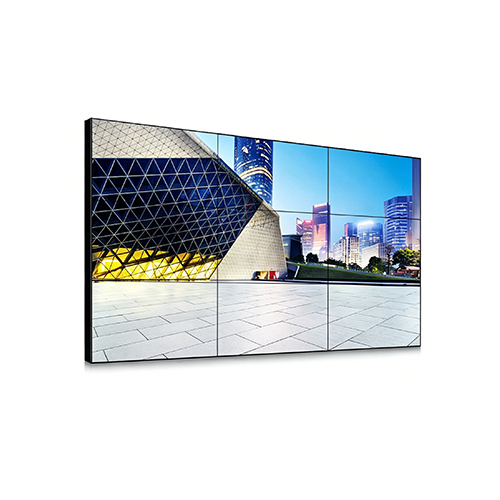
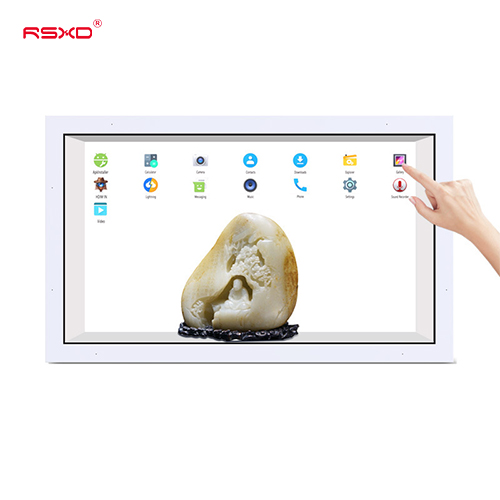
RSXD builds commercial LCD displays, advertising machines, touch kiosks, video walls, and full display systems. Their product lineup includes both wall mounted and floor standing shapes, allowing you to tweak the size, look, brightness, and defense level. You can even pick the operating system and special parts.
The company helps with remote content sending, group device controls, and system tweaks, offering setup, testing, teaching, and support after you buy. Their building process includes metal cutting, part putting, software loading, aging tests, and a last check. If your project has weird sizes or mixes indoor and outdoor spots, these skills save you a lot of time since you won’t have to juggle many makers. You can check out their wall mounted advertising display lineup when you weigh your fixed and floor choices.
Q1: Is wall mounted digital signage better than freestanding digital signage?
A: Wall mounted digital signage wins for tight spaces and fixed info spots. Freestanding digital signage is better when you need quick moving and sharp eye-level views.
Q2: Can wall mounted digital signage be installed on any wall?
A: No. You must verify wall strength and bracket fits. You also need to look at wire paths, airflow, and repair room before you hang it.
Q3: Is freestanding digital signage suitable for small spaces?
A: It can fit in small rooms if the base stays clear of walking paths and the wires are safe. Still, a wall mounted design saves a lot more room.
Q4: What brightness is suitable for outdoor digital signage?
A: Outside setups demand much brighter screens than indoor ones. Some models give about 800 to 1,500 cd/m², but your final pick should depend on the sun, glare, rain, and viewing gaps.
Q5: Can both formats support remote content management?
A: Yes. Matching systems let you post from afar, and they also handle timed lists, group controls, screen watching, and error warnings.