Key Features
Versatile Sizing for Any Environment
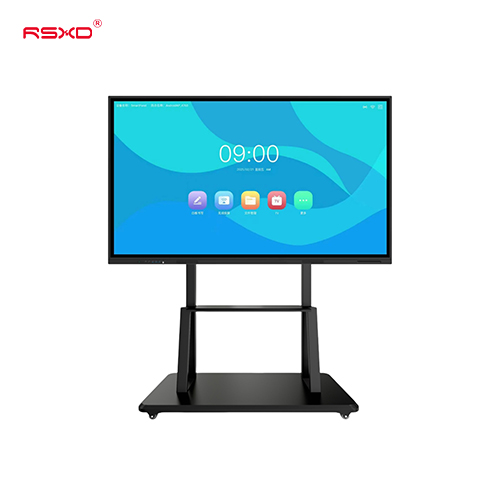
We don’t believe in one-size-fits-all. Our displays range from compact 10.1-inch screens—perfect for checkout counters, meeting room schedules, and elevator lobbies—all the way up to massive 115-inch commercial canvases designed to command attention in expansive shopping malls, showrooms, and transit hubs.
Seamless Orientation Switching
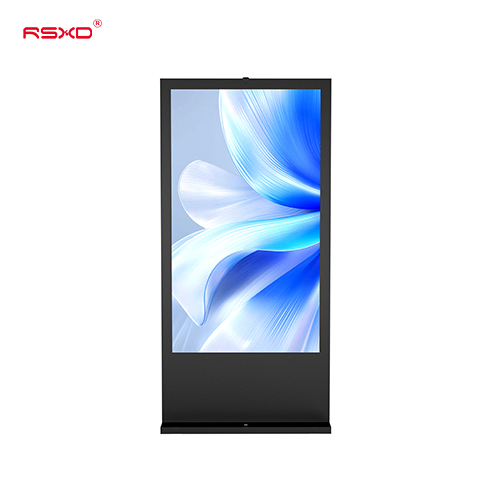
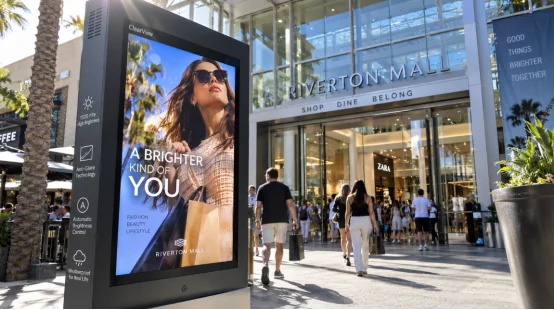
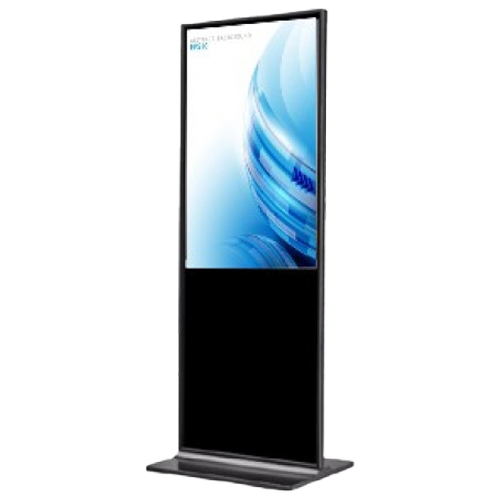
Tailor the display to your exact content strategy. Mount the screen in Landscape mode for expansive brand videos, presentation boards, and digital menus, or switch to Portrait mode for striking digital posters, vertical promotions, and store directories.
Smart OS: Android or Windows
Choose the brain that powers your display based on your specific operational needs:
- Android Network Version:The go-to choice for effortless advertising playback, scheduled broadcasting, and cloud-based split-screen management.
- Windows PC Version:A powerhouse foundation built for custom software integration, complex database systems, and heavy-duty interactive touch applications.
Engaging Multi-Touch Capabilities
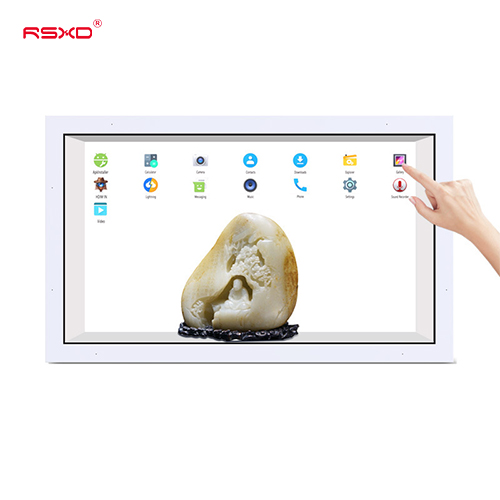
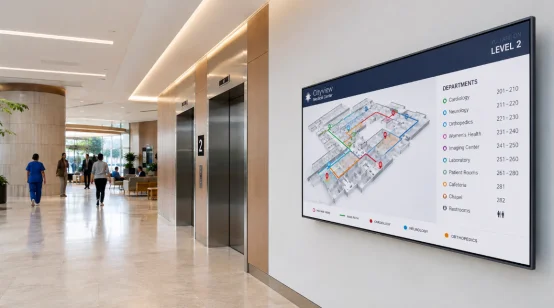
Turn passive viewers into active participants. Configure your screen with high-precision infrared or capacitive touch technology. Users can effortlessly tap, swipe, and zoom through product catalogs, self-service portals, or interactive campus maps.
Effortless Remote Management & Split-Screen
Manage a single screen or an entire global network from your desk. Our cloud-publishing system lets you push videos, images, live weather updates, scrolling tickers, and scheduling changes instantly. Need to show a video alongside a live news feed? The smart split-screen function handles multiple content zones seamlessly.
Robust Connectivity & Sleek Design
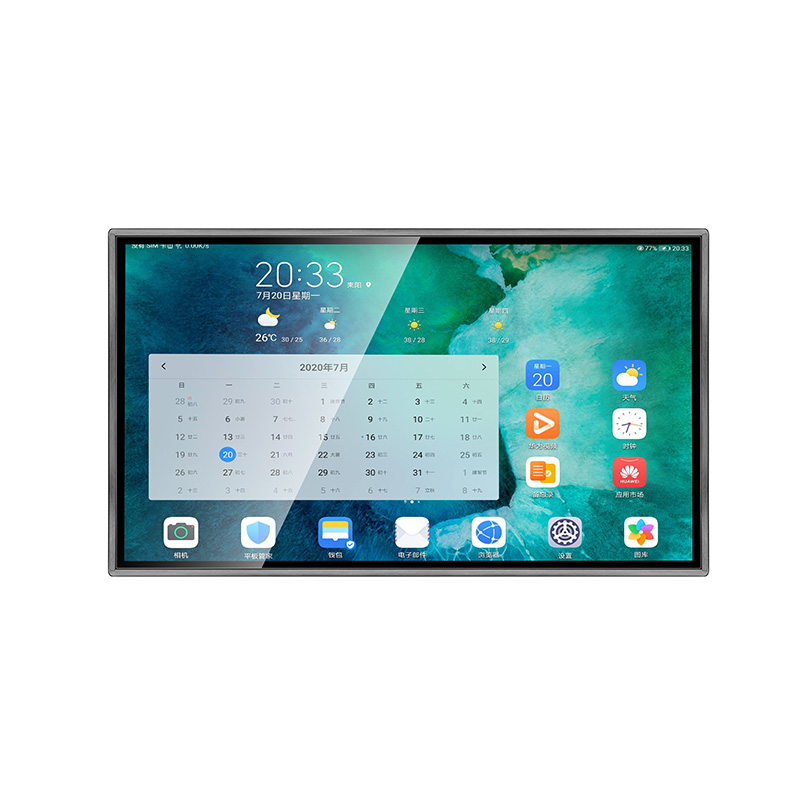
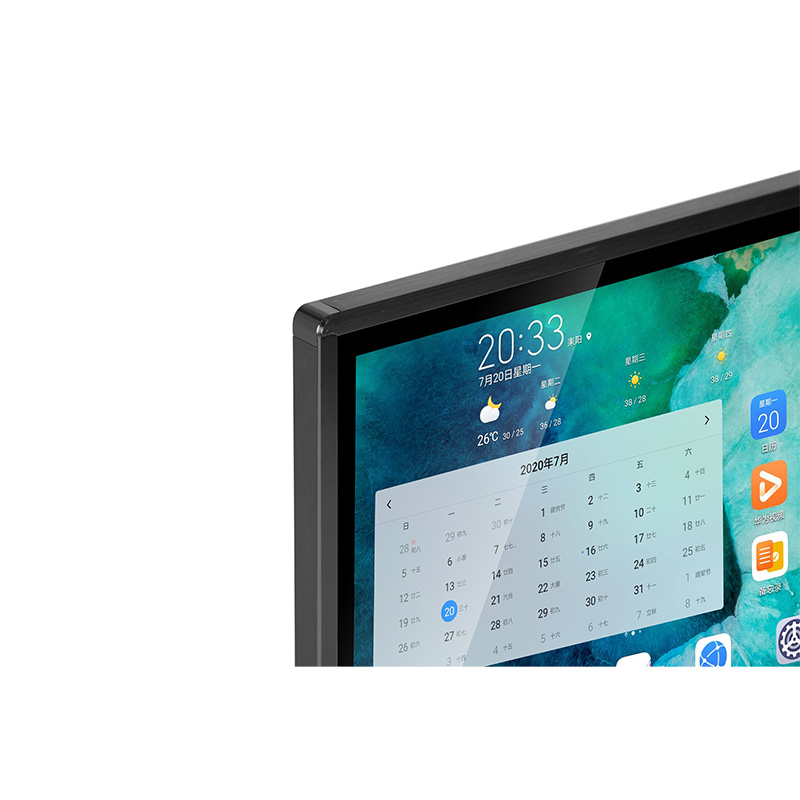
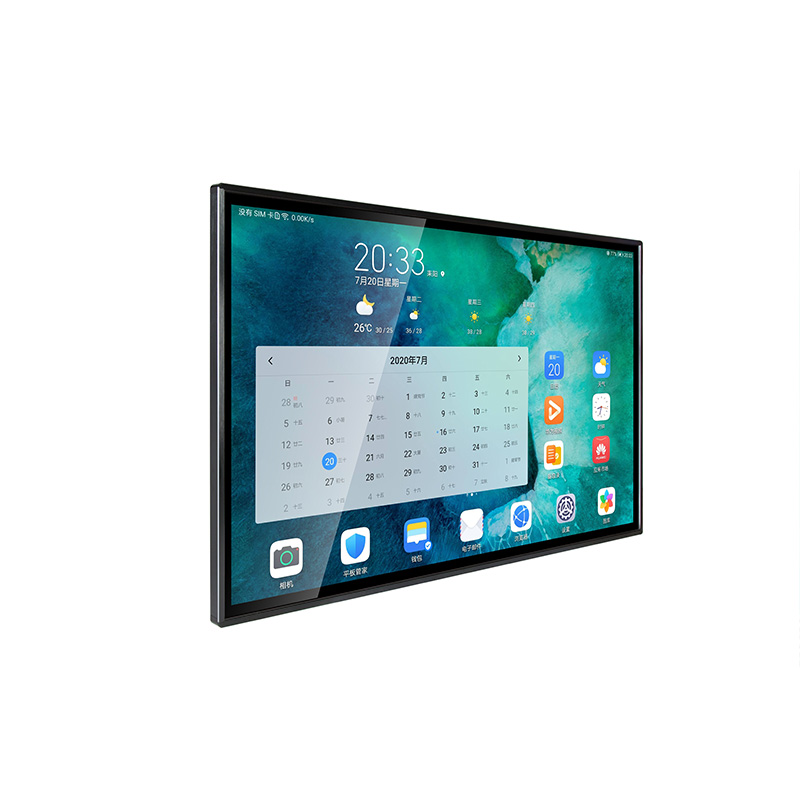
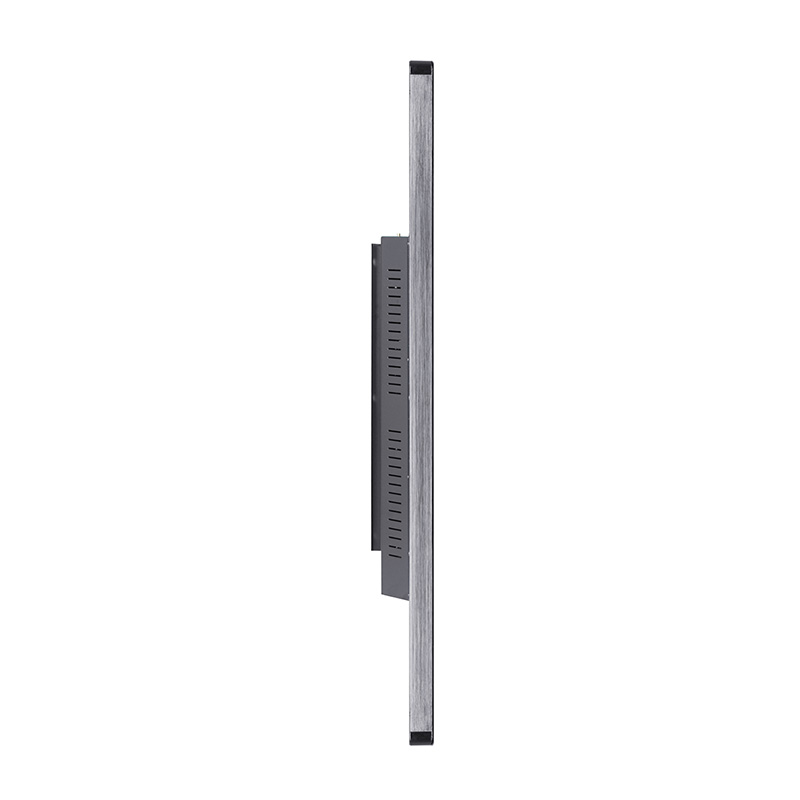
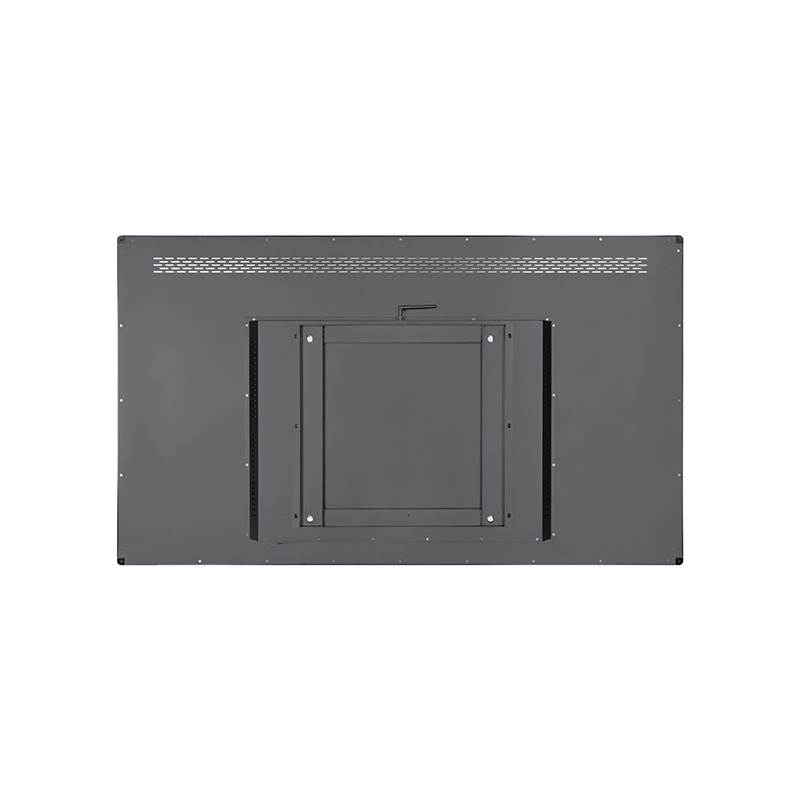
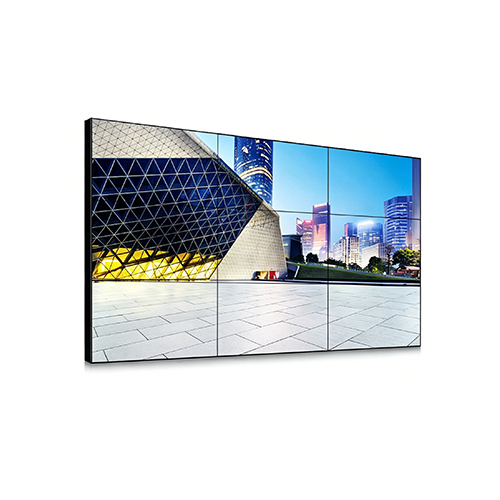
Housed in a narrow-bezel, modern chassis that blends beautifully into high-end retail and corporate spaces, these displays are as smart as they look. Integration is flawless with built-in LAN, Wi-Fi, optional 4G, USB, HDMI, and dedicated audio interfaces.
Technical Specifications
| Feature |
Specification |
| Product Type |
Wall-mounted LCD digital signage / Touch display kiosk |
| Screen Sizes |
32 to 116 inches |
| Display Resolution |
1920×1080 FHD / 4K Ultra HD options |
| Orientation |
Horizontal (Landscape) / Vertical (Portrait) |
| Operating System |
Android (5.1/7.1 or higher) / Windows (7/10) |
| Processing Power |
Android: Quad-core ARM |
| Memory & Storage |
Android: 1GB-2GB RAM, 8GB-16GB EMMC |
| Touch Technology |
Optional Infrared (IR) or Capacitive multi-touch |
| Networking |
LAN, Wi-Fi, Optional 4G module |
| I/O Interfaces |
USB, HDMI, LAN, Audio output |
| Supported Media |
Video, Image, Audio, Document, Ticker text, Weather, Time, Logo |
| Hardware Lifespan |
≥ 50,000 hours (Backlight) |
Where Our Displays Excel
Retail & Hospitality
Engage shoppers with vivid new arrival promotions and membership campaigns, or streamline restaurant operations with crisp digital menu boards and queue management systems. Touch-enabled units allow customers to browse extended digital catalogs right from the sales floor.
Corporate & Accommodations
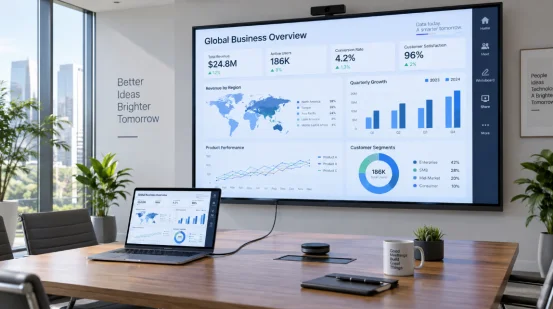
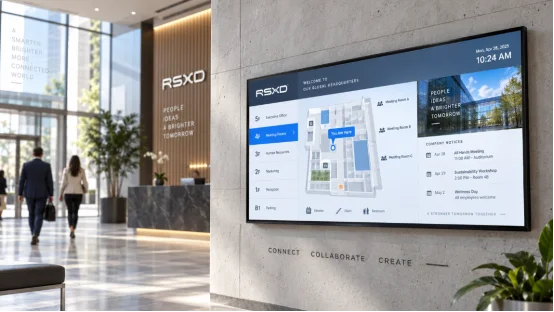
Create a premium first impression in hotel lobbies and corporate headquarters. Use the screens for dynamic welcome messages, digital building directories, automated meeting room schedules, and critical company announcements.
Public Transit & Healthcare
Keep high-traffic environments moving smoothly. In airports, subways, and hospitals, our displays provide vital real-time ticketing updates, intuitive wayfinding routes, health education notices, and automated service procedures.
The RSXD Advantage & Customization
At RSXD, we do more than supply screens—we engineer commercial display solutions tailored to your project. Backed by extensive LCD manufacturing expertise, we support global distributors, system integrators, and brand owners with comprehensive OEM and ODM services.
Tailor every detail to your project:
- Custom screen sizing and specialized UI layouts
- Choice of touch technology and resolution upgrades
- Customized I/O port configurations for unique installations
- Hardware branding, bespoke exterior appearances, and tailored packaging
- Pre-loaded custom interactive software and multi-language support
From bulk orders to specialized architectural integration, RSXD provides the hardware reliability and smart management tools you need to make a lasting visual impact.
FAQ
Q1: What screen sizes are available?
A: RSXD provides wall-mounted digital display screens from 10.1 inch to 115 inch, suitable for small information points, retail stores, restaurants, offices, malls, halls, exhibitions, and public areas.
Q2: Does this display support touch function?
A: Yes. Infrared touch and capacitive touch options are available. Touch versions can be used for information inquiry, product browsing, wayfinding, self-service guidance, and interactive software applications.
Q3: Can it be used horizontally and vertically?
A: Yes. The display supports horizontal and vertical screen modes. Users can choose landscape or portrait mode based on the content layout and installation environment.
Q4: What is the difference between Android version and Windows version?
A: Android version is suitable for regular advertising playback, remote content publishing, split-screen display, and simple interactive applications. Windows version is suitable for custom software, database systems, touch query programs, and more complex commercial applications.
Q5: Does it support remote content updates?
A: Yes. The network version supports cloud-based content publishing, remote image and video updates, scheduled playback, and scheduled power on/off.
Q6: What content formats can it play?
A: It can support common multimedia content, including videos, images, audio, documents, scrolling text, logos, weather, time, and date information, depending on the selected configuration.
Q7: What network options are available?
A: The display can support Ethernet, Wi-Fi, and optional 4G modules. It also supports common interfaces such as USB, HDMI, LAN, and audio output.