| Item |
Specification |
| Product Name |
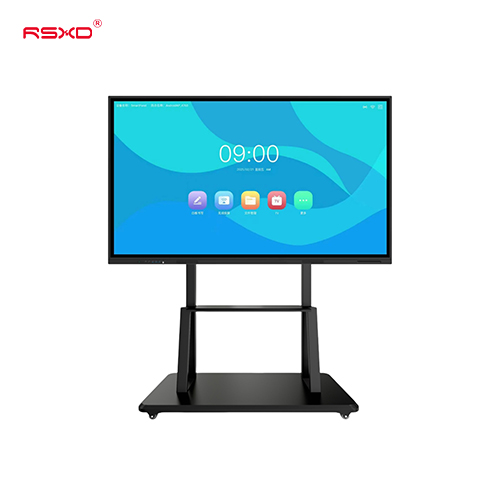
Interactive Flat Panel Display |
| Product Type |
Interactive whiteboard / smart interactive board |
| Touch Points |
20-point touch |
| Main Functions |
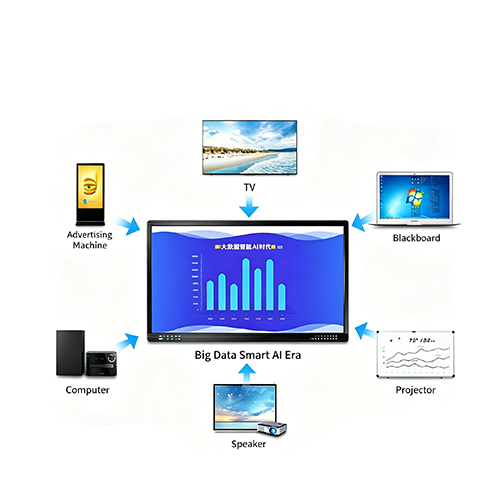
Digital whiteboard, wireless screen sharing, annotation, video conferencing, split screen |
| Screen Sharing |
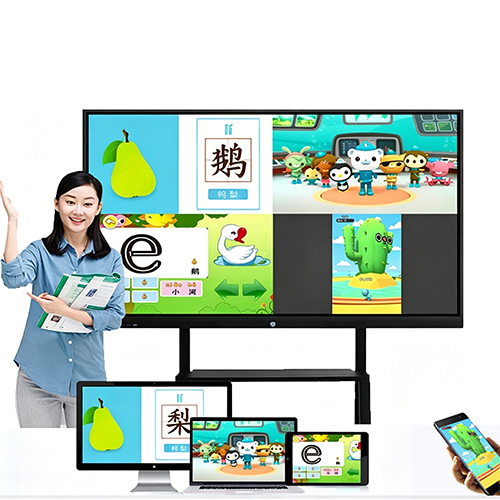
Mobile phone, tablet, laptop, PC |
| Writing Function |
Multi-user writing and annotation |
| Collaboration |
Multi-person operation supported |
| Installation |
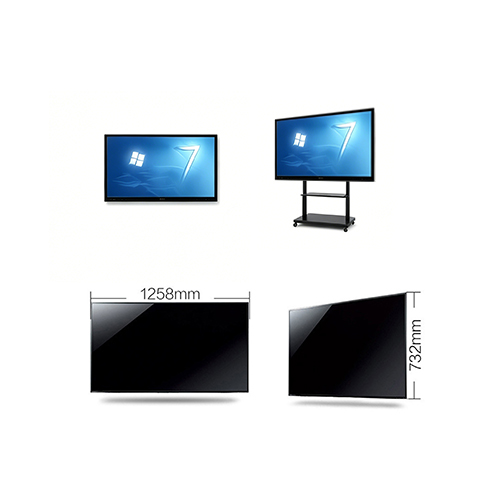
Wall-mounted / mobile stand |
| Application |
Classroom, meeting room, training room, conference room, office, education center |
| Optional Configuration |
Camera, microphone, OPS computer, mobile stand, software, system configuration |
| Customization |
Size, system, logo, interface, accessories, packaging, OEM / ODM |
Application Scenarios
Classrooms and Schools
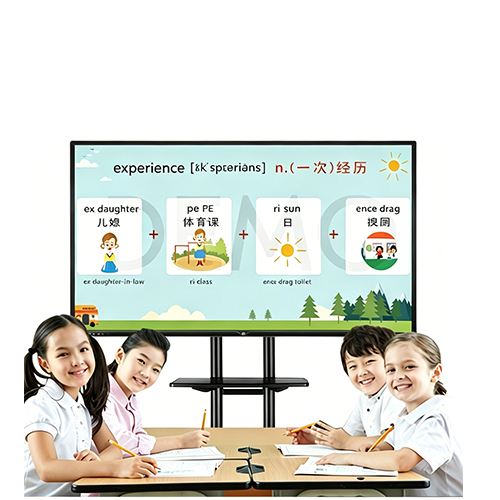
Teachers can use the interactive flat panel display for multimedia teaching, digital writing, courseware display, student interaction, online classes, and content annotation. It helps replace traditional blackboards, whiteboards, and projectors with a more integrated teaching tool.
Meeting Rooms
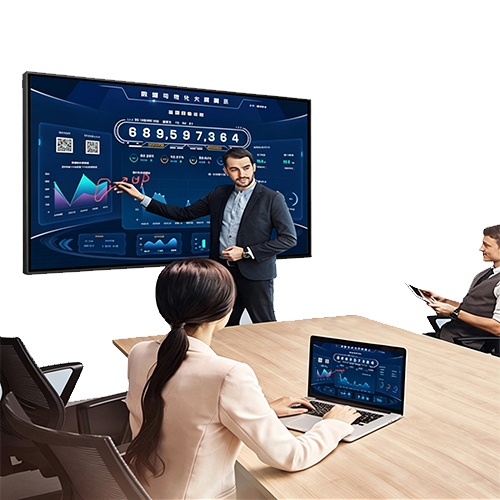
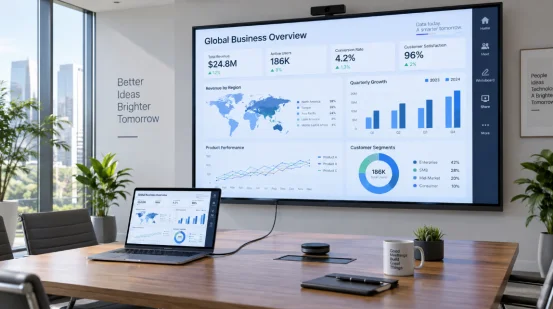
For meeting rooms, the display can be used for presentations, project discussions, video conferences, document annotation, business reporting, and team brainstorming. Wireless screen sharing helps meeting participants present content more easily.
Training Centers
Training centers can use the interactive display for course explanation, video playback, interactive practice, group discussion, and remote training. Notes and materials can be saved after the session for review.
Conference Rooms and Boardrooms
In conference rooms and boardrooms, the display supports professional presentations, proposal review, data discussion, remote communication, and decision-making meetings.
Government and Public Service Centers
Public organizations can use interactive flat panels for training, internal meetings, policy explanation, service guidance, and public communication.
Corporate Offices
Companies can use the display for daily meetings, design review, sales training, product planning, cross-department communication, and hybrid collaboration.
Customization Options
RSXD can provide customized interactive flat panel display solutions for schools, companies, distributors, system integrators, and project buyers.
Available customization options include:
- Screen size options
- Android or Windows / OPS configuration
- Camera and microphone options
- Mobile stand or wall-mounted installation accessories
- Whiteboard software configuration
- Wireless screen sharing software
- Logo customization
- Multi-language interface
- Packaging customization
- OEM / ODM support for bulk orders
- Education or meeting room project configuration
Why Choose RSXD Interactive Flat Panel Display?
RSXD provides LCD commercial display products, touch screen kiosks, smart interactive boards, and customized display solutions for education, business, public service, and commercial projects.
For interactive flat panel displays, RSXD can support buyers with screen configuration, touch function, wireless sharing, whiteboard tools, installation accessories, OEM customization, and bulk supply.
RSXD advantages:
- LCD touch display and smart board supply experience
- 20-point touch interactive display solution
- Suitable for education, meeting, training, and collaboration
- Wireless screen sharing and annotation support
- Wall-mounted and mobile stand installation options
- OEM / ODM customization for distributors and project buyers
- Project configuration support for schools, offices, and training rooms
- Bulk order and export supply support
FAQ
Can use as digital whiteboard?
Yes. You can use it like smart whiteboard for write, draw, erase, mark note, teaching, brainstorm and team meeting
Do this Support wireless screen share?
Yes. It support wireless screen share from your mobile phone, tablet, laptop and PC. Very easy to show your file without messy cable.
Can use for video conference?
Yes. It is perfect for video meeting, online class, and remote training. We can add camera and mic config base on your project need.
Can it save meeting note?
Yes. Whiteboard write, note mark and meeting content can save or share easy, base on the software you use.
How to install this interactive board?
You can install on the wall, or use a mobile stand with wheel. Mobile stand is very good if you need move the screen between different meeting room or classroom.
Is it good for school?
Yes very good. Perfect for school classroom, lecture room, training center, online teach, and smart multimedia education.