 author
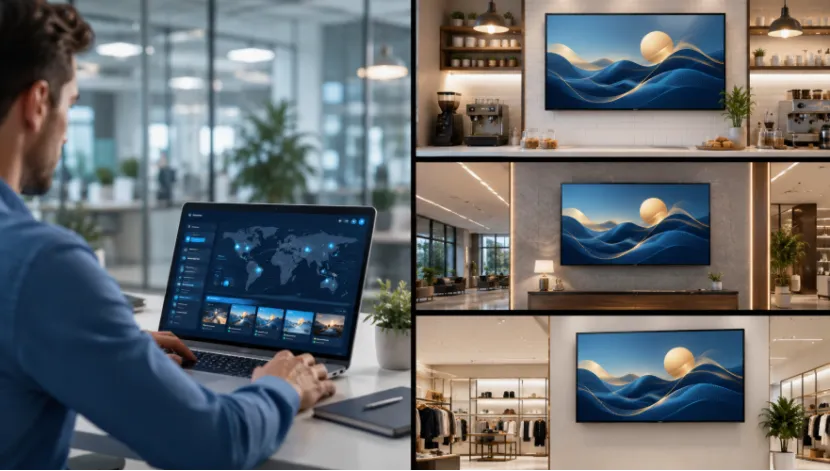
If you manage screens across chain stores, hotels, restaurants, offices, or public service areas, content updates can become messy fast. A USB drive may be fine for one screen near the front desk. But once you have screens in 10 branches, 30 branches, or different cities, manual updates start to eat time. Someone forgets one file. One display keeps showing last month’s offer. A lobby screen goes black and no one reports it until a guest complains.
That is where remote content management for digital signage becomes more than a nice function. It helps you publish content, check screen status, schedule campaigns, and keep every branch on the same message without walking from screen to screen.
Manual screen updates look simple at first. The problem appears when your business grows. Every new branch adds another screen, another staff member, another version of the same file, and another chance for mistakes.
USB playback still has value. For a small shop with one LCD advertising display, it is easy and cheap. Insert the USB flash drive, and the screen can recognize and play the content. But for multi-location digital signage, the same method becomes slow.
A restaurant chain may need to change breakfast, lunch, and dinner menus. A hotel may need to update meeting room notices every morning. A retail store may need to launch a weekend promotion at the same time across all branches. If each screen needs a local update, the work becomes tiring. It is the kind of small job that never feels small after the fifth store.
Campaigns depend on timing. If one store shows a discount too early and another shows it too late, customers get confused. That hurts trust. Remote digital signage management gives headquarters better control over time-based content, so the same promotion can appear across branches when it should.
A remote system connects screens to a backend platform. From there, you can upload content, choose terminals, set playback rules, and push updates. This makes digital signage content management much easier for teams that handle many screens.
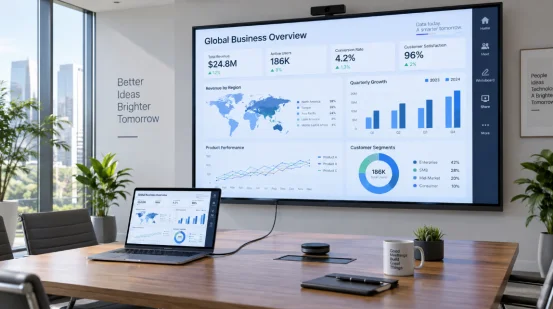
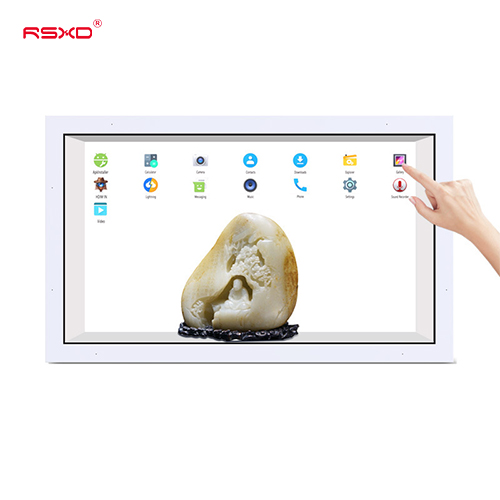
With remote content publishing, you can send videos, images, files, text, scrolling subtitles, menus, and notices from one place. RSXD wall-mounted digital signage display products support remote content publishing, USB playback, intelligent split-screen display, horizontal and vertical installation, and flexible playback layouts.
This matters because real business content is rarely just one video. A screen may need a product image, a price area, a scrolling message, a logo area, and a short video loop. Split-screen display lets one screen carry more information without looking like a crowded notice board.
For multi-location digital signage, grouping is practical. You may want one campaign for city-center stores, another for airport locations, and another for hotel lobbies. A good remote backend helps you manage screens by location, screen type, or content purpose.
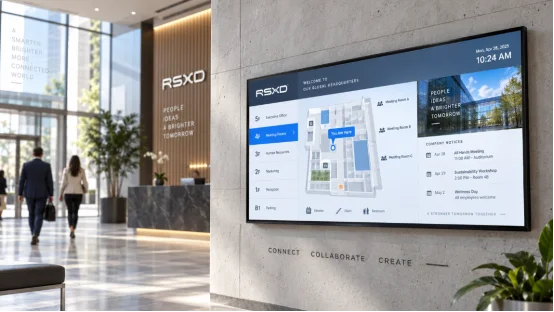
For example, digital signage for restaurants may show breakfast menus before 10:30, lunch promotions at noon, and dinner sets in the evening. Digital signage for hotels may show check-in guidance in the lobby and event schedules near meeting rooms. Same system, different content logic.
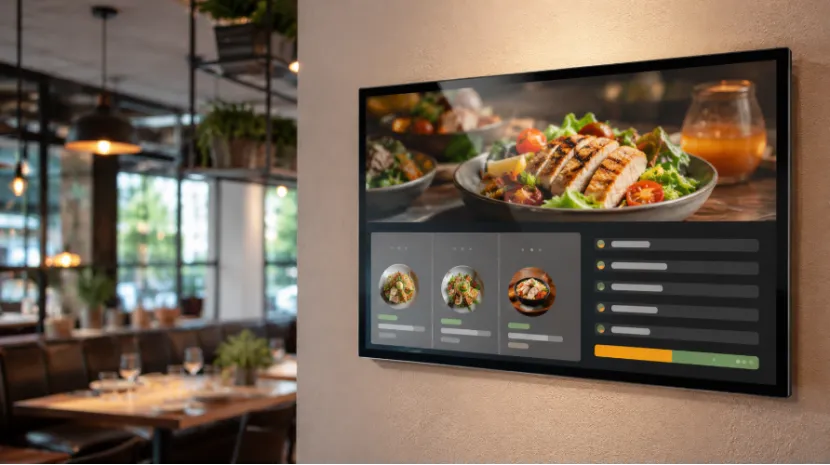
A commercial digital signage display should not be judged only by size and price. For multi-branch use, the control system, maintenance method, and long-term stability are just as important.
Terminal monitoring lets you check whether screens are online and working. Without it, a failed display may stay unnoticed for hours or days. For public-facing screens, that is a bad look. It can also waste paid advertising space.
RSXD remote management functions include real-time equipment status checks, material pushing, fault troubleshooting, batch device management, real-time fault alarms, and scheduled material push. These details are useful for chains that do not want local staff to act as part-time screen technicians.
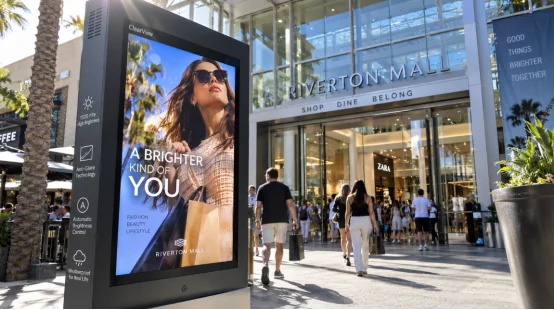
Scheduled content playback helps you plan by hour, date, or campaign period. It is especially helpful for restaurants, hotels, shopping malls, hospitals, and schools. You can show a morning menu, a lunch offer, a safety notice, or a public information display without asking someone to change files by hand.
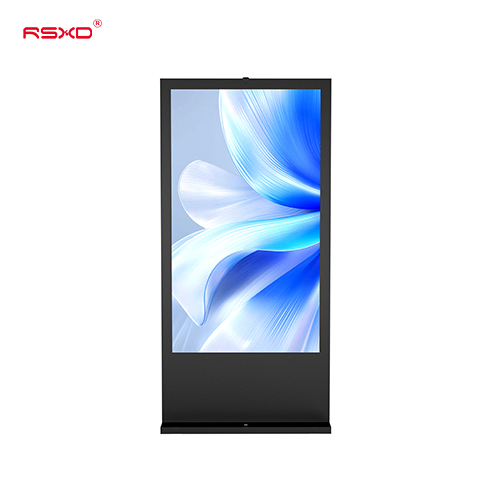
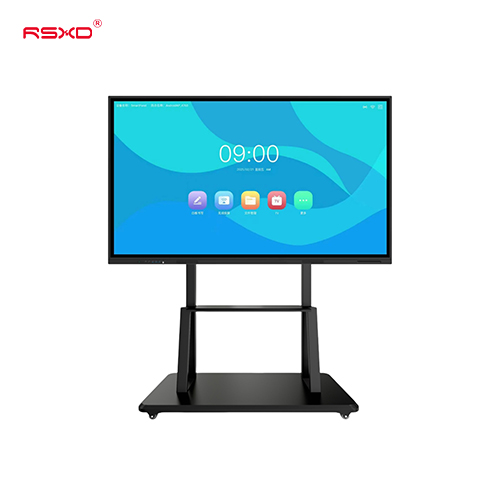
Remote software cannot fix weak hardware. Screen quality, heat dissipation, interface stability, and production testing still matter. RSXD commercial LCD displays cover 10.1 inches to 120 inches and support 1080P or 4K options, depending on model and size.
The advertising machine series supports remote information publishing, scheduled power on and off, intelligent dimming, split-screen display, and 24/7 continuous operation.
Choosing a digital signage display supplier is not only about getting screens shipped. You need stable production, configuration support, and service that does not disappear after delivery.
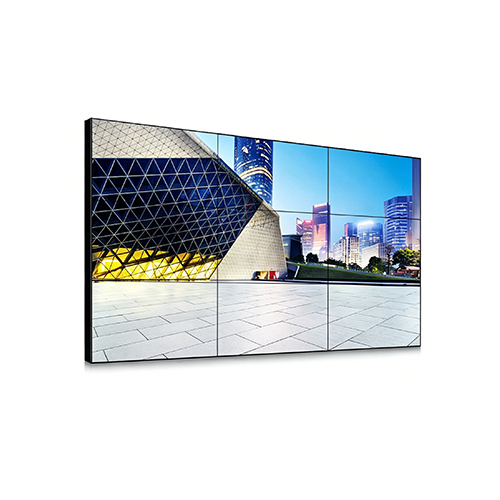
RSXD is a Shenzhen-based commercial LCD display manufacturer focused on intelligent display hardware, software, and complete project solutions. Since 2014, its team has worked in commercial display equipment, covering LCD advertising display products, touch screen kiosks, video walls, teaching and conference displays, and customized terminals.
Its own production base supports sheet metal processing, electronic assembly, software debugging, aging tests, packaging, and after-sales service. For buyers, that means the supplier can talk about screen size, software, installation, and maintenance in one project conversation, not as separate problems.
Real sites are never exactly the same. One store has a narrow wall. A hospital corridor needs clearer guidance. A hotel wants vertical screens near elevators. A contractor may need logo, frame color, interface, brightness, touch function, packaging, and software changes.
RSXD supports custom digital signage solutions across size, function, system, appearance, installation, and operation needs. Its remote network software can support remote publishing, timer control, split screen, and updating screen content together from the office. That is useful for distributors, system integrators, chain stores, and project contractors that need repeatable deployment.
The purchase price is only one part of a screen project. Daily labor, late updates, repeated site visits, and downtime can cost more over time.
Remote backend publishing reduces the need to send staff to each branch. Marketing teams can launch a campaign faster, and operations teams can keep screens consistent. For a 50-screen rollout, even a simple content change becomes much easier when it does not require 50 manual actions.
Store workers already handle customers, stock, cleaning, food service, check-in, or reception work. They should not need to fix content files unless there is no other choice. Remote troubleshooting and terminal monitoring shift more control back to the team that manages the screen network.
For businesses planning long-term screen use, remote content management for digital signage is not only a software feature. It is a way to keep content current, keep branches aligned, and reduce the daily friction that often comes with multi-screen projects.
Q1: What is remote content management for digital signage?
A: It means updating, scheduling, and managing screen content through a backend platform instead of changing files on every display by hand.
Q2: Is USB playback still useful for digital signage?
A: Yes. USB playback works well for a single screen or small site. For chain stores, hotels, and restaurants, remote backend publishing is usually more practical.
Q3: Why do chain stores need remote digital signage management?
A: Chain stores need consistent promotions, faster updates, and fewer manual tasks. Remote management helps each branch show the right content at the right time.
Q4: Can digital signage content be scheduled by time?
A: Yes. Scheduled content playback can show different menus, notices, or promotions by hour, day, or campaign period.
Q5: Does RSXD support remote content publishing?
A: Yes. RSXD wall-mounted LCD advertising displays support remote content publishing, terminal monitoring, split-screen display, USB playback, and project-based customization.